


 j
jUse Managed Packages to Develop Your AgentExchange Solution
Start an AgentExchange Security Review
Edit Your AgentExchange Security Review Before You Submit
Submit Your Solution for AgentExchange Security Review
Update Your Returned AgentExchange Security Review
Check the Status of Your AgentExchange Security Review
Ask Us to Take A Second Look at Our Submission Verification Feedback
Download Your AgentExchange Security Review Report
Resubmit a Returned Security Review Where All Issues Are False Positives
Resubmit a Failed Security Review Where All Issues Are False Positives
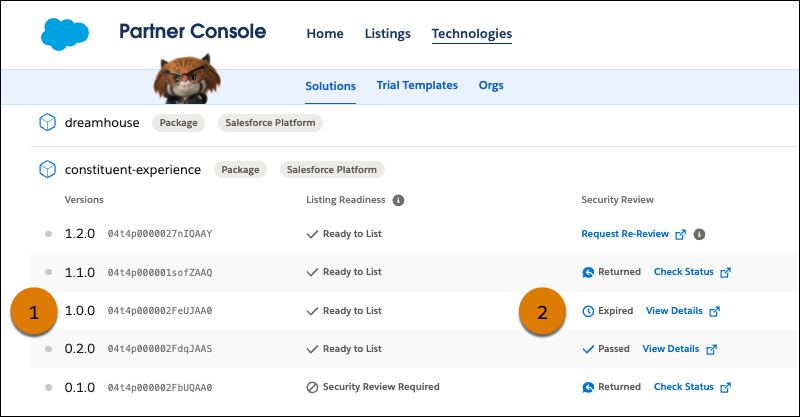
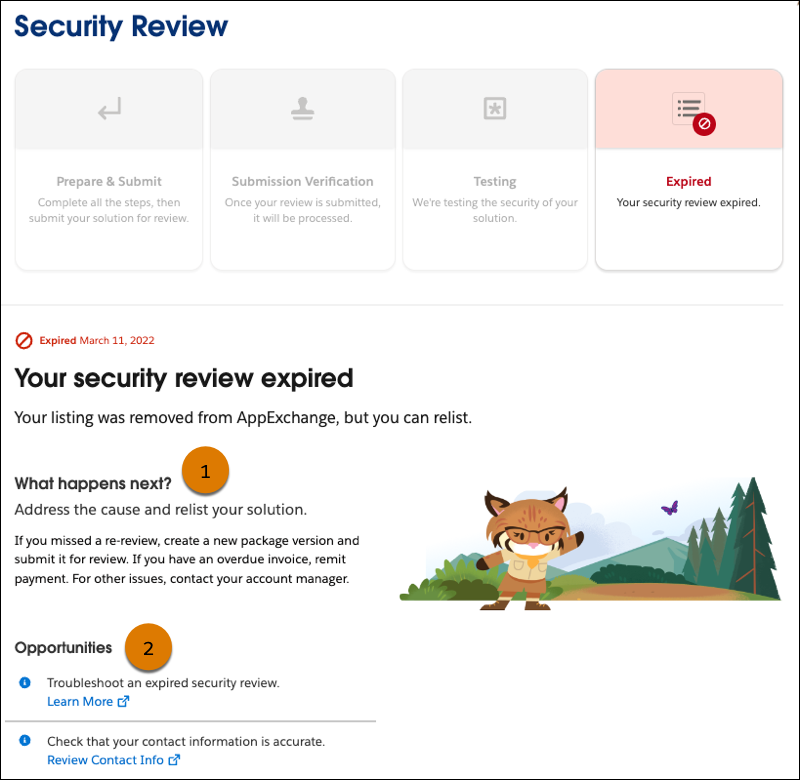
Expired AgentExchange Security Review
Troubleshoot an Expired Security Review
OEM User License Guide
Previous Versions