


Salesforce Voice with Partner Telephony Developer Guide
 j
jNote: This release is in preview. Features described here don’t become generally available until the latest general availability date that Salesforce announces for this release. Before then, and where features are noted as beta, pilot, or developer preview, we can’t guarantee general availability within any particular time frame or at all. Make your purchase decisions only on the basis of generally available products and features.
Provision Contact Center Keys Automatically
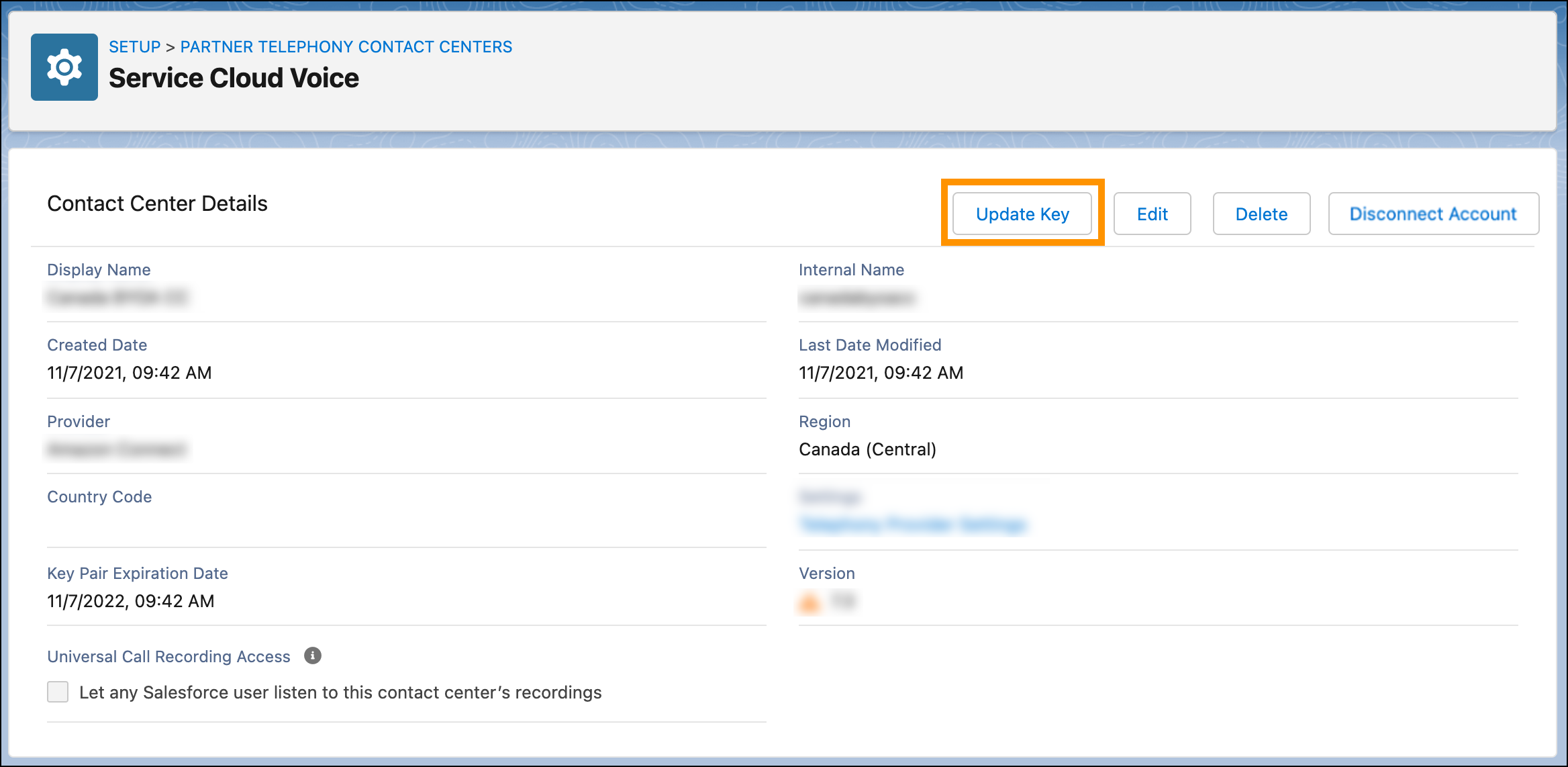
The key can also be renewed by clicking the Update Key button in the contact center details page, or by using the Update Key dropdown action in the contact center list page.
Update the contact center key during scheduled maintenance or off-peak hours to avoid any disruptions.
- Partners must set the CapabilitiesSupportsKeyProvisioning capability to true in their ConversationVendorInfo object.
- The Apex integration class must implement the KeyProvider interface. This interface includes the getPublicKey method, which is called when the
key is provisioned or renewed and returns the public key and its expiration
date.
When a contact center has an expired public key, the expiration date on the contact center details page and the contact center list page has a red circle with a slash icon next to it. When the public key expires within 5 days, it has a yellow warning icon next to it.