


Embedded Service Chat SDK for Android Developer Guide
 j
jChat in the Service Chat SDK for Android
Once you’ve set up chat for Service Cloud, it takes just a few calls to the SDK to have your app ready to handle agent chat sessions.
When a chat session initiates, it is minimized by default so the user can keep using the app.
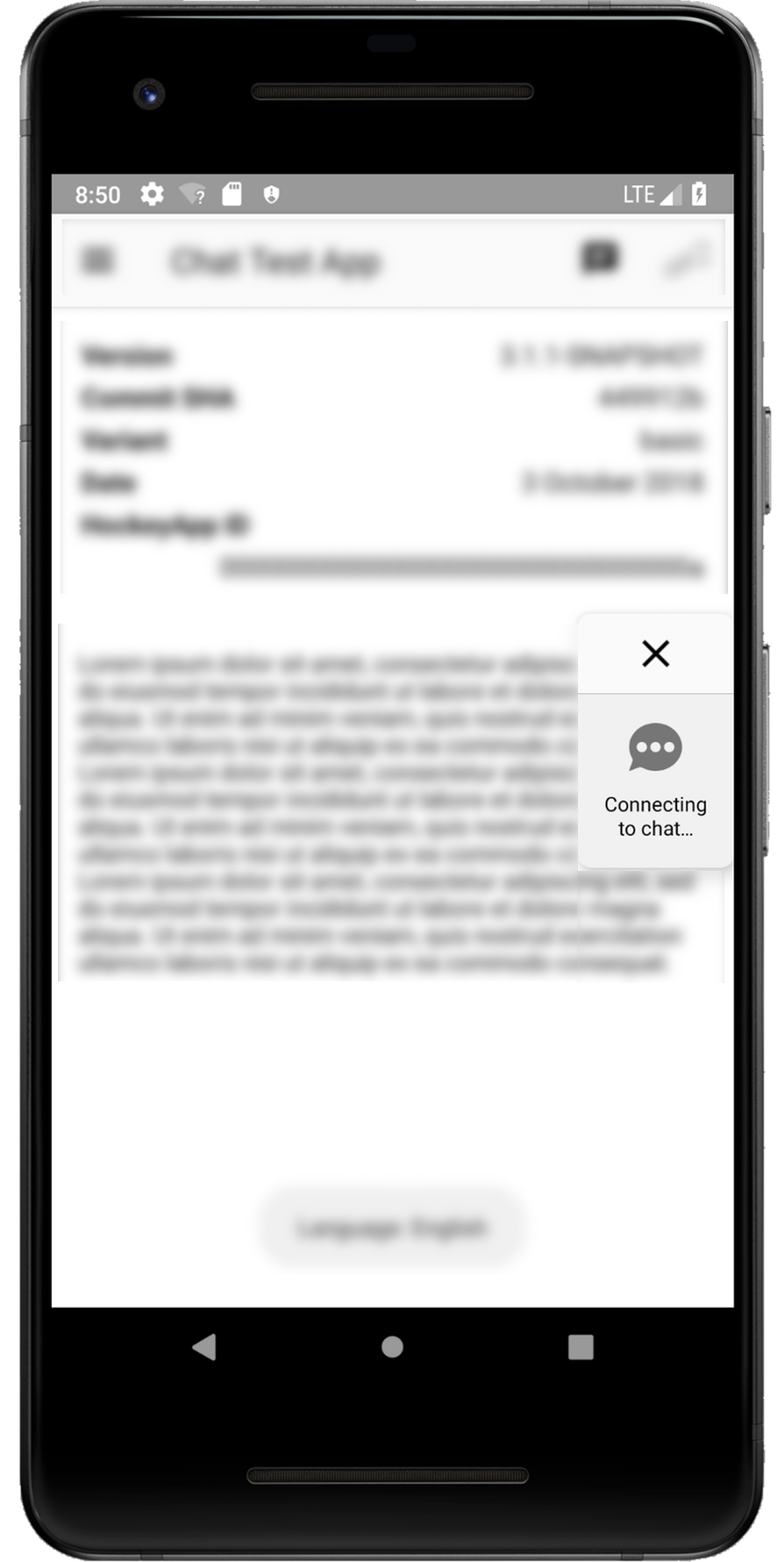
When the user taps the chat thumbnail, the app goes full screen.
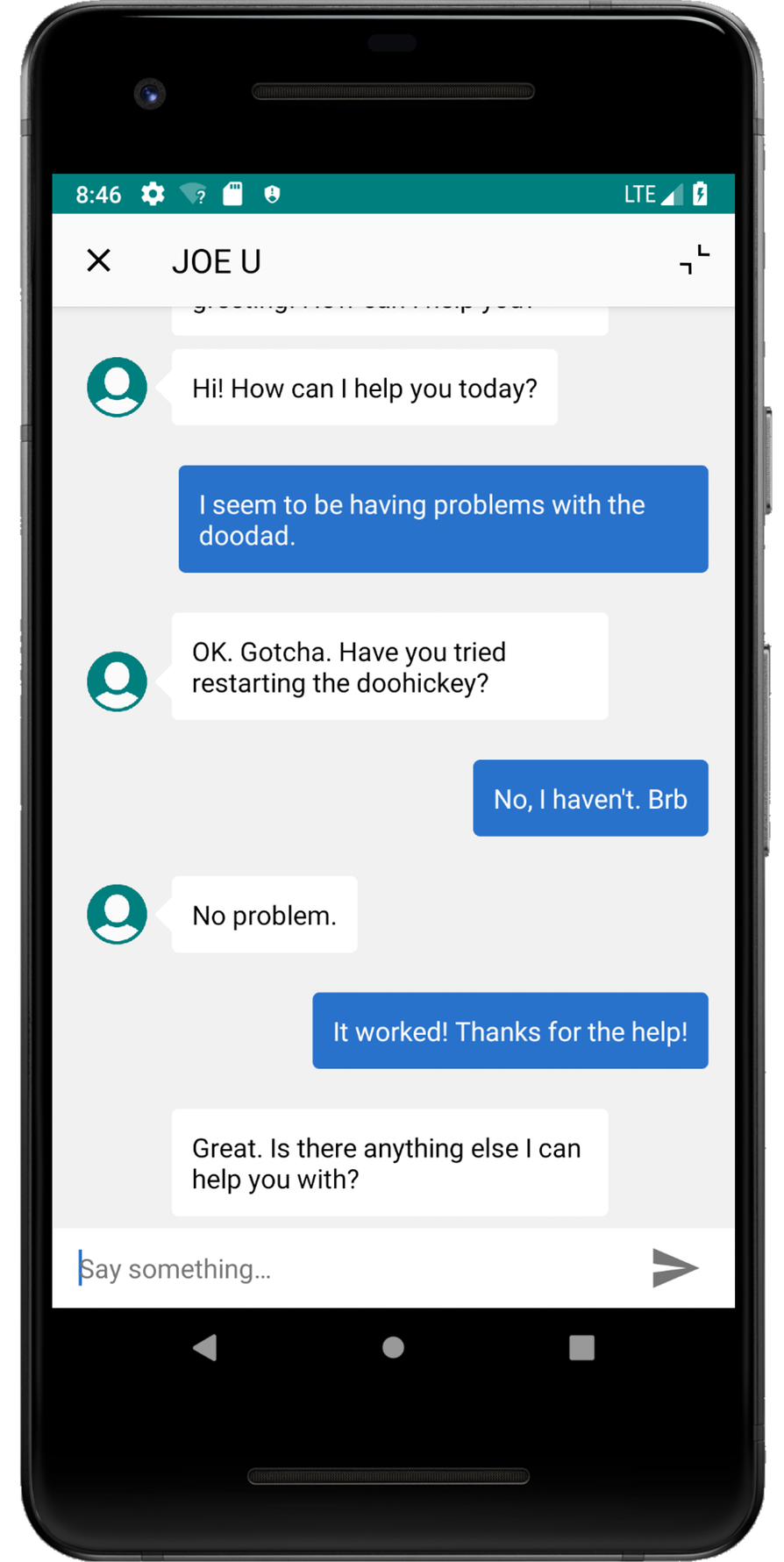
If you've implemented Einstein Bots, the user first speaks with a chat bot before optionally getting transferred to an agent.
If the user isn't using the app during a chat session, they receive a new message notification when an agent sends a message.
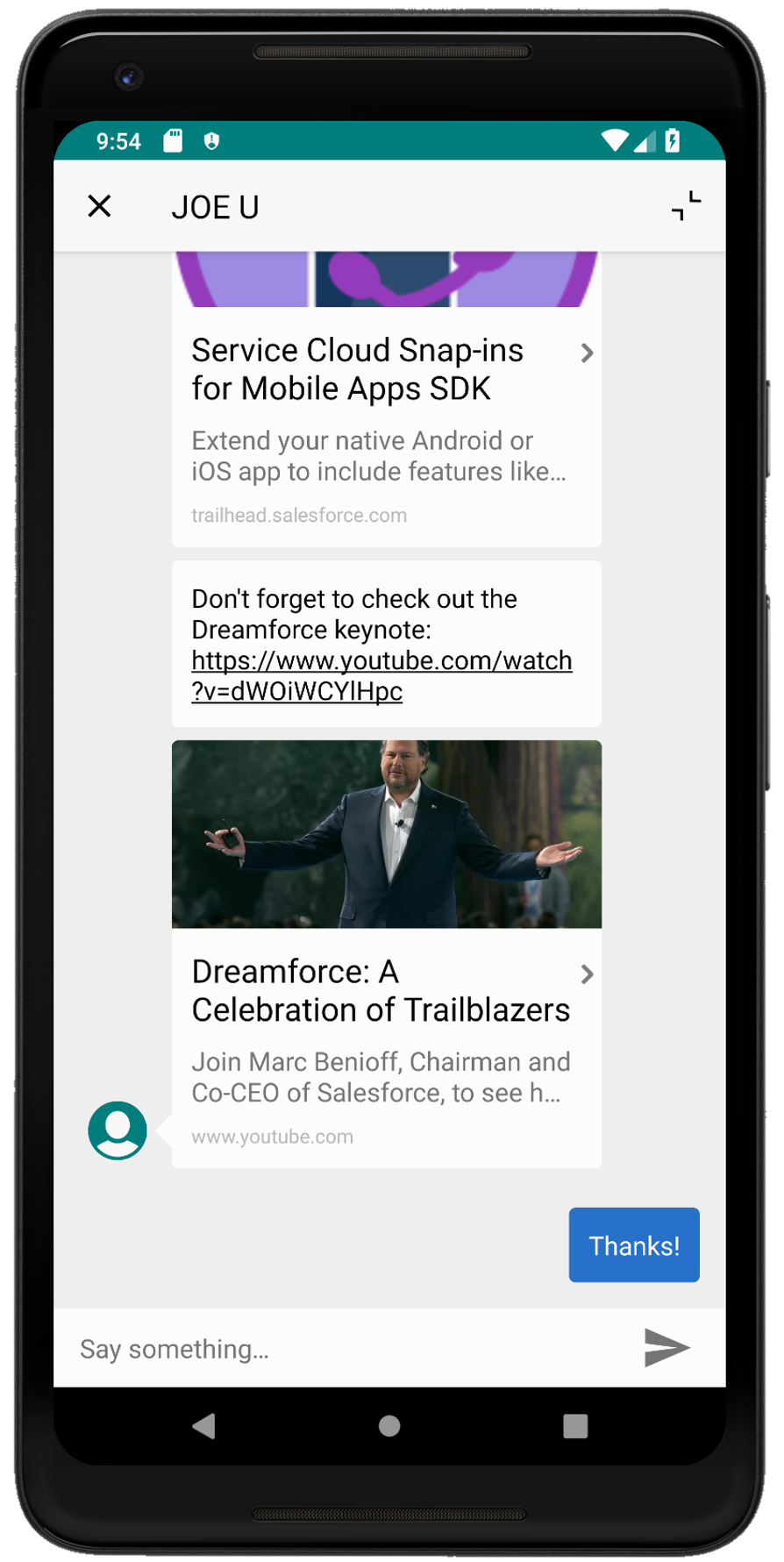
When an agent sends links to your users, they see link previews right from within the chat session. The SDK tries to use Open Graph meta tags (og:title, og:description, og:image) to extract relevant information for the preview.
You can also customize the look and feel of the interface so that it fits naturally within your app.