


Visualforce Development with Salesforce Extensions
Use the Visualforce Extension for VS Code to efficiently create Visualforce components.
Interested in creating new Visualforce components? We recommend building Lightning web components instead. They’re more modern and powerful custom HTML elements for your Salesforce apps and sites.
Note
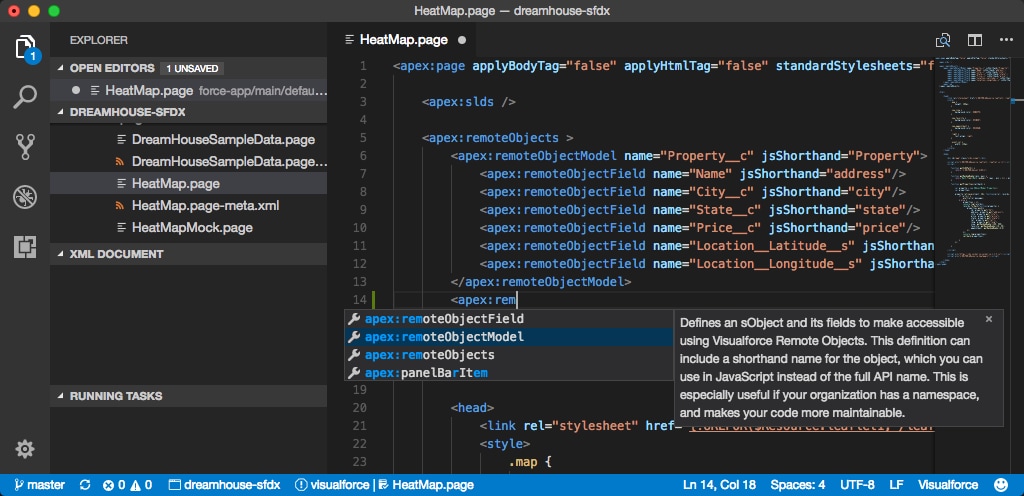
Code Completion
Use Ctrl+Space for code completion for:
-
Standard Visualforce components (tags and attributes), with Salesforce documentation
-
HTML tags
-
CSS
-
JavaScript
Syntax Highlighting
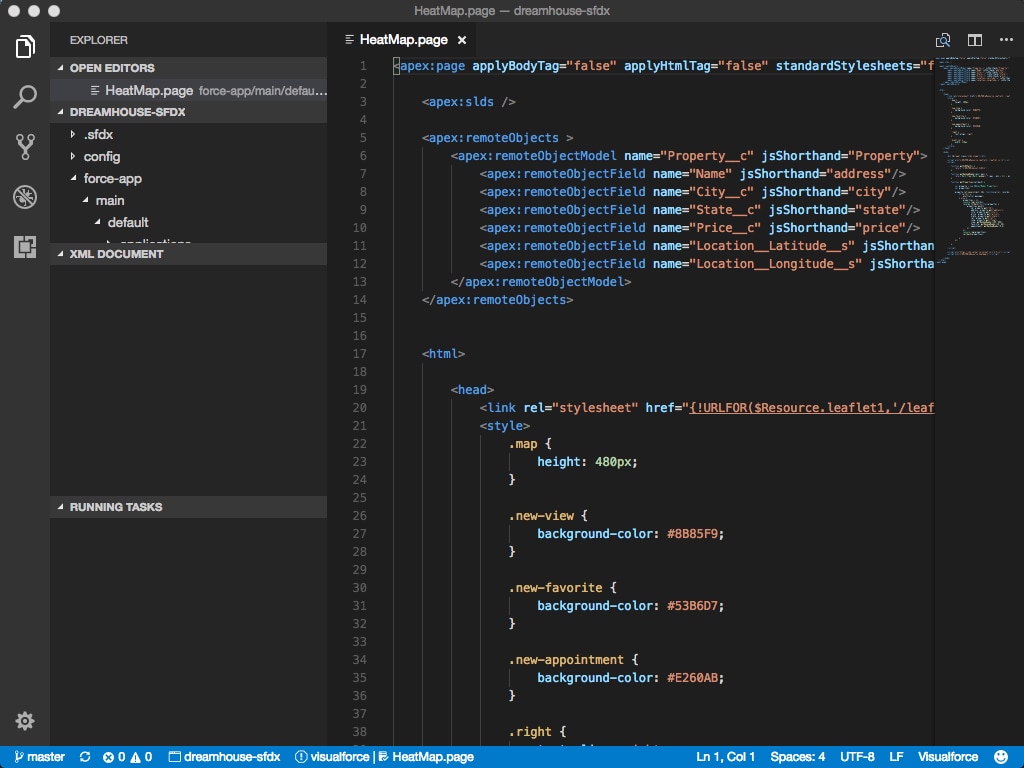
Get syntax highlighting in some sections of various files (.page, .component, .app, and so on).
-
HTML portions
-
Embedded CSS and JavaScript portions
Outline View
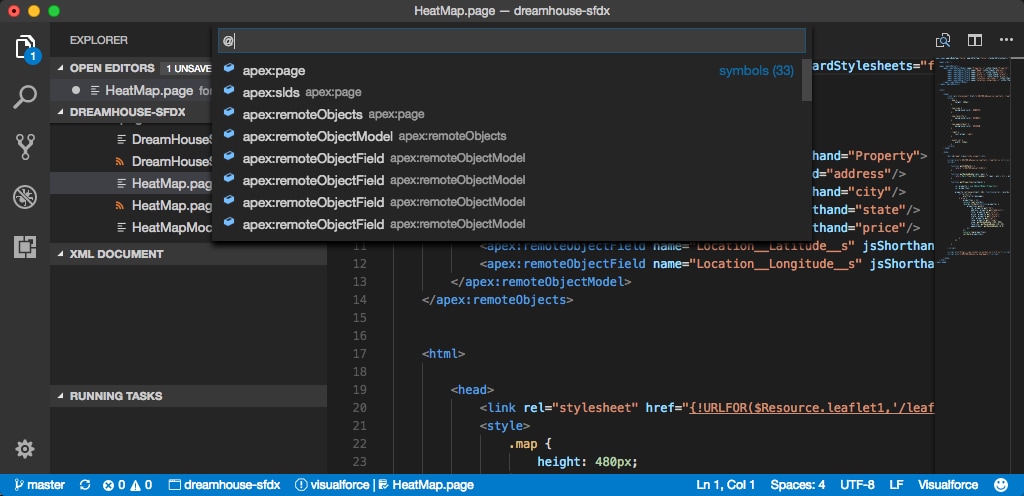
See an outline view by using Ctrl+Shift+O on Windows or Linux or Cmd+Shift+O on macOS.
See Also
 j
j