


Add and Modify Lightning Types in Setup
Manage your custom and standard Lightning types in Setup, whether they’re object-based types defined in JSON or Apex-based types referenced from a class. You can also verify that your LightningTypeBundle metadata deployed successfully.
From Setup, in the Quick Find box, enter Lightning Types and select Lightning Types.
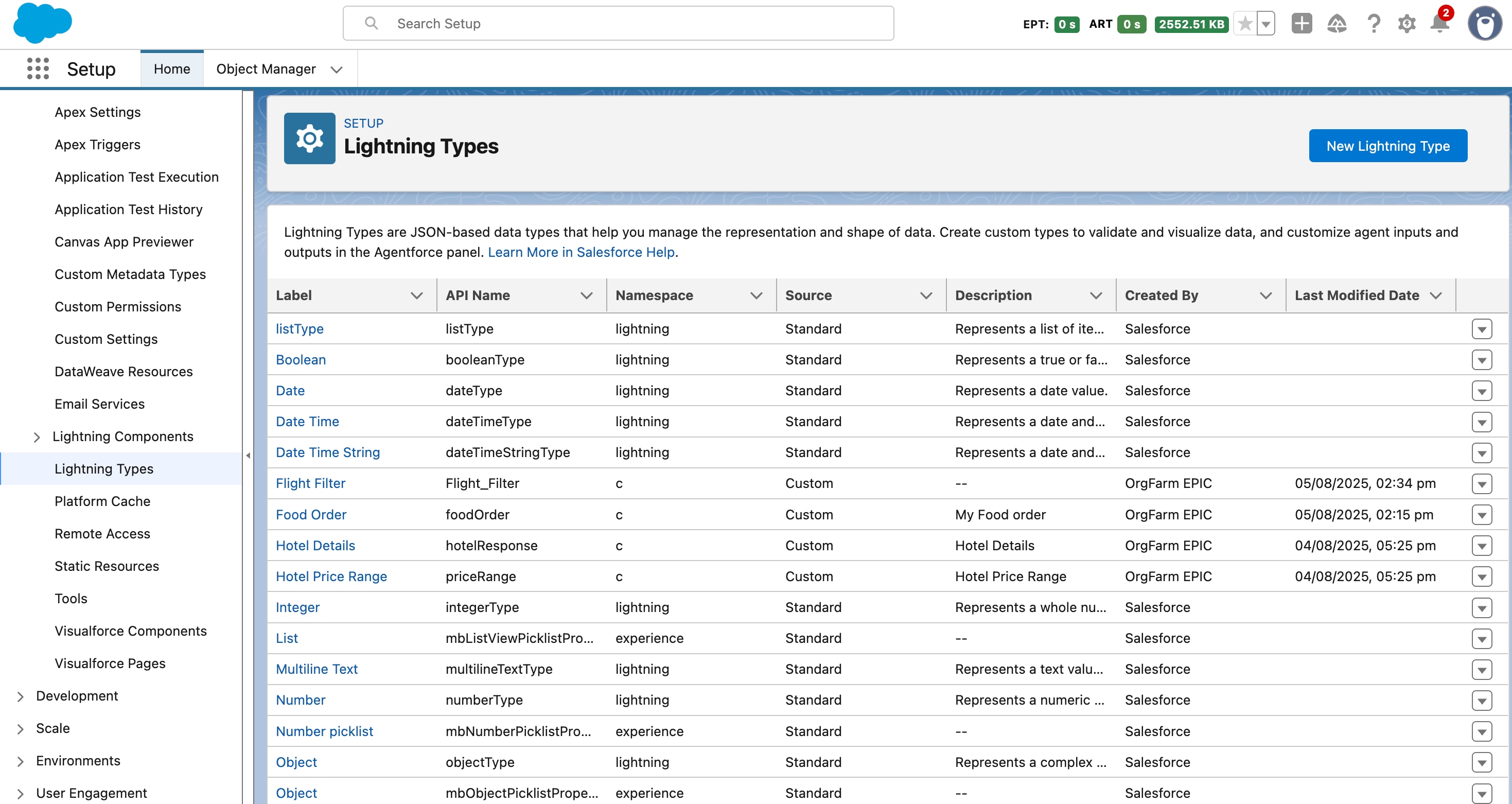
- Click a label to view its schema definition, namespace, and configuration details.
- To create a type, click New Lightning Type.
- To confirm that a LightningTypeBundle metadata deployed successfully, check the list on the Lightning Types page. Use the Source column to distinguish between Standard and Custom types.
See Also
 j
j