


 j
jWorkflow for Second-Generation Managed Packages
Components Available in Second-Generation Managed Packages
Editable Properties After Package Promotion or Installation
Best Practices for Second-Generation Managed Packages
App Analytics Use Cases
Enable App Analytics on Your Second-Generation Managed Package
Download Package Usage Logs, Package Usage Summaries, and Subscriber Snapshots
Considerations for Custom Interactions
Subscriber Snapshots
Test Custom Integrations
What Are Recipes?
Create a Daily Unique Users Recipe
Create a Weekly Unique Users Recipe
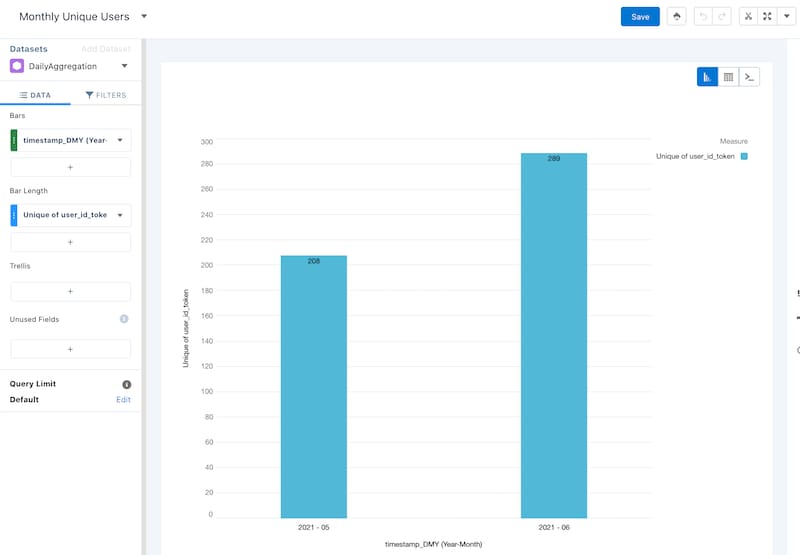
Create a Monthly Unique Users Recipe
Gaps Between First-Generation and Second-Generation Managed Packaging
Previous Versions