


Command Palette
The Command Palette provides access to commands for Salesforce development.
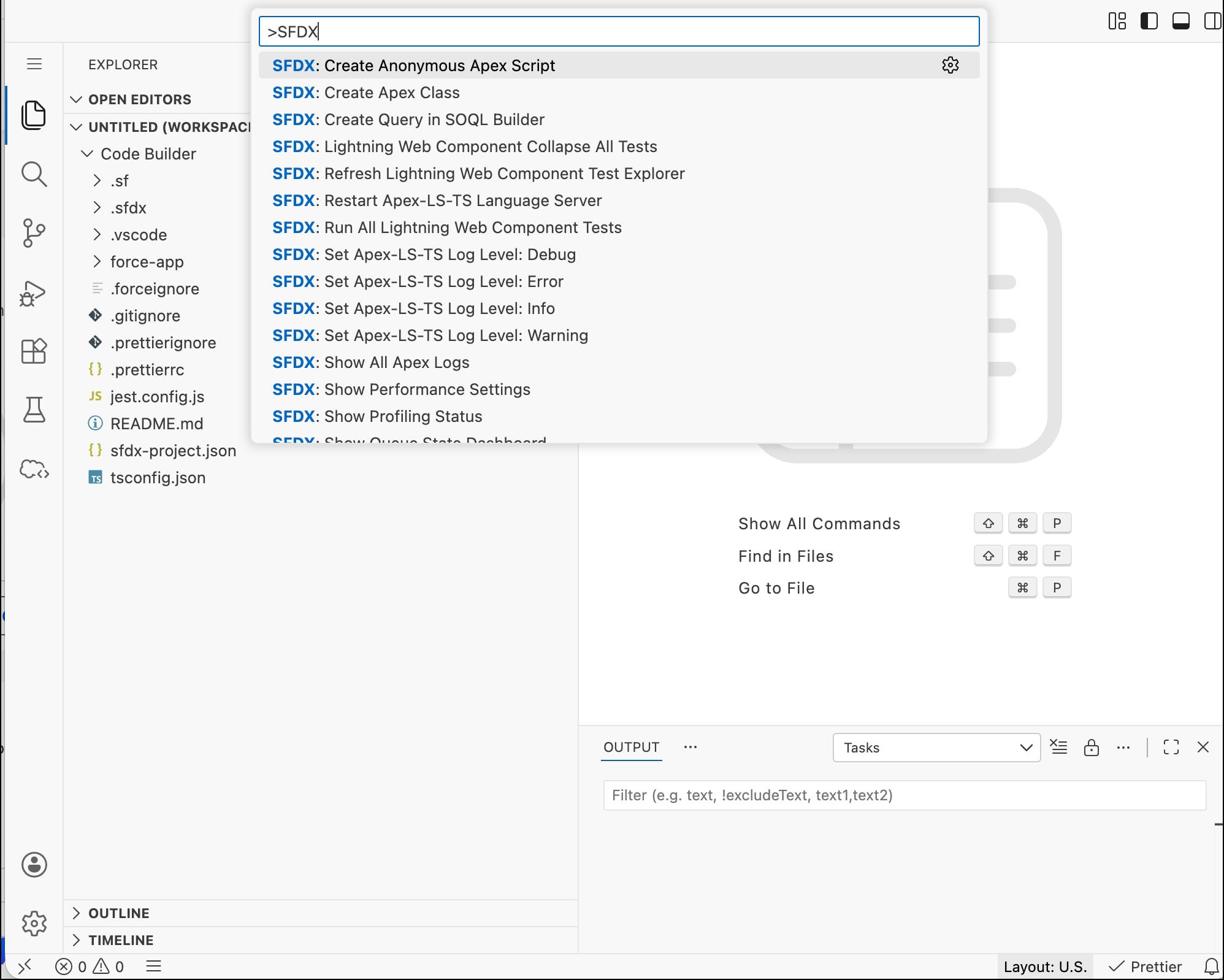
To see commands relevant to Salesforce development, press Ctrl+Shift+P (Windows or Linux) or ⇧⌘P (macOS), and search for a command. In this example, SFDX commands are shown.
When a command finishes running (due to success, failure, or cancellation), a notification shows in the Output tab. For example, if you select SFDX: Create Apex Class command to create a class, the Output tab shows the command status.
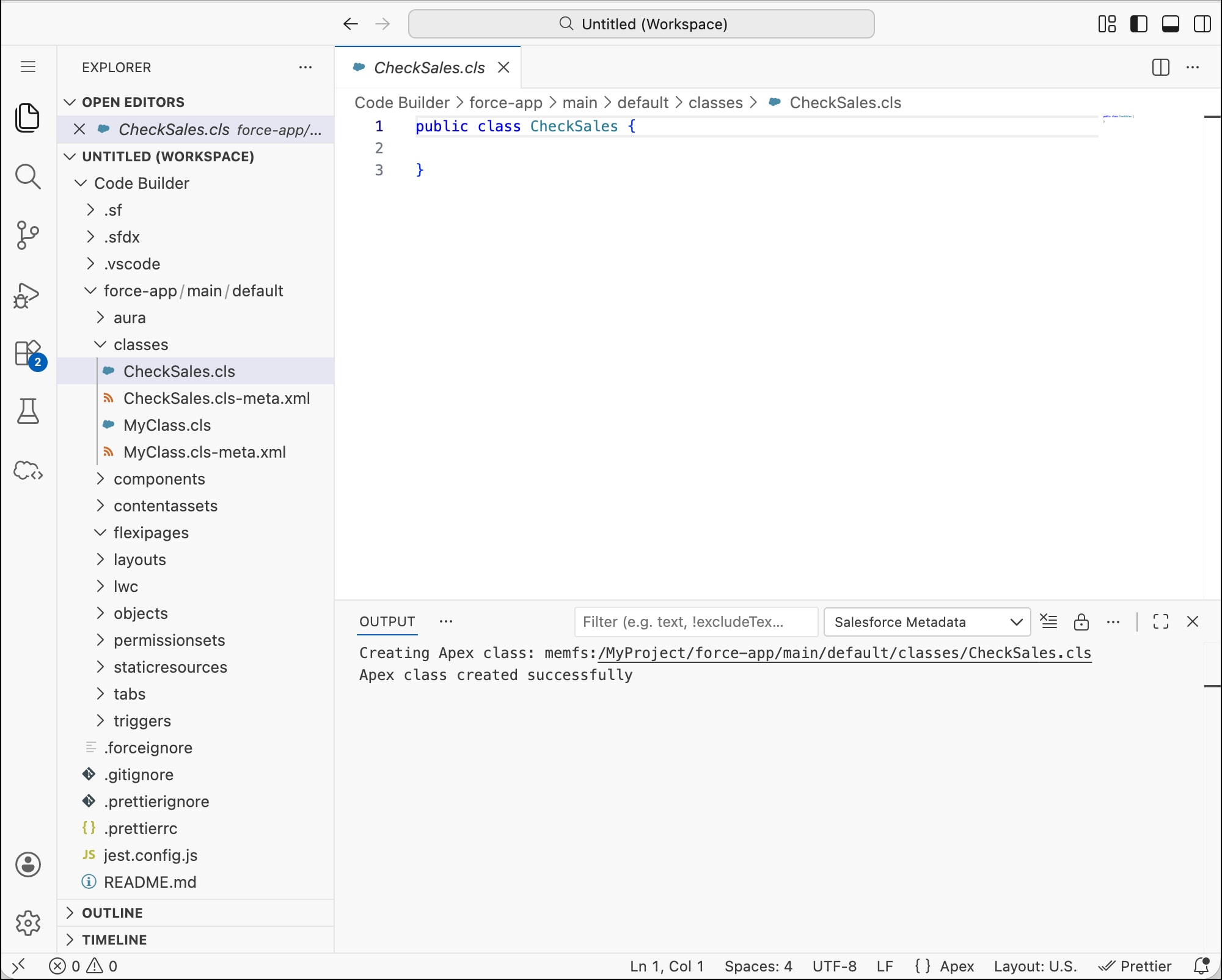
In the Output tab you can:
-
Set a filter on the output data. For example, you can set a filter to show log record that contains a certain text.
-
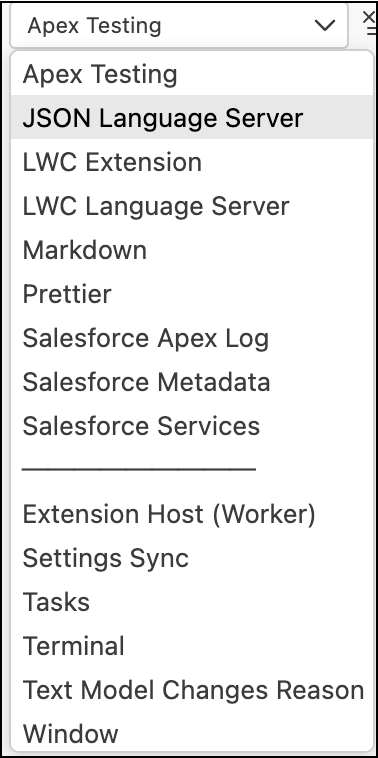
Select the type of output, such as output of configured tasks and extension-specific logs.
-
Clear the output window (
 ).
). -
Turn auto-scrolling off (
 ).
). -
Set log levels.
-
View more actions you can perform, by clicking the ellipsis.
 j
j