


Org Browser
The Org Browser makes it easy to retrieve your org metadata sources by listing org metadata types and their corresponding components. Click the cloud icon ( ) on the Web Console activity bar to access the Org Browser.
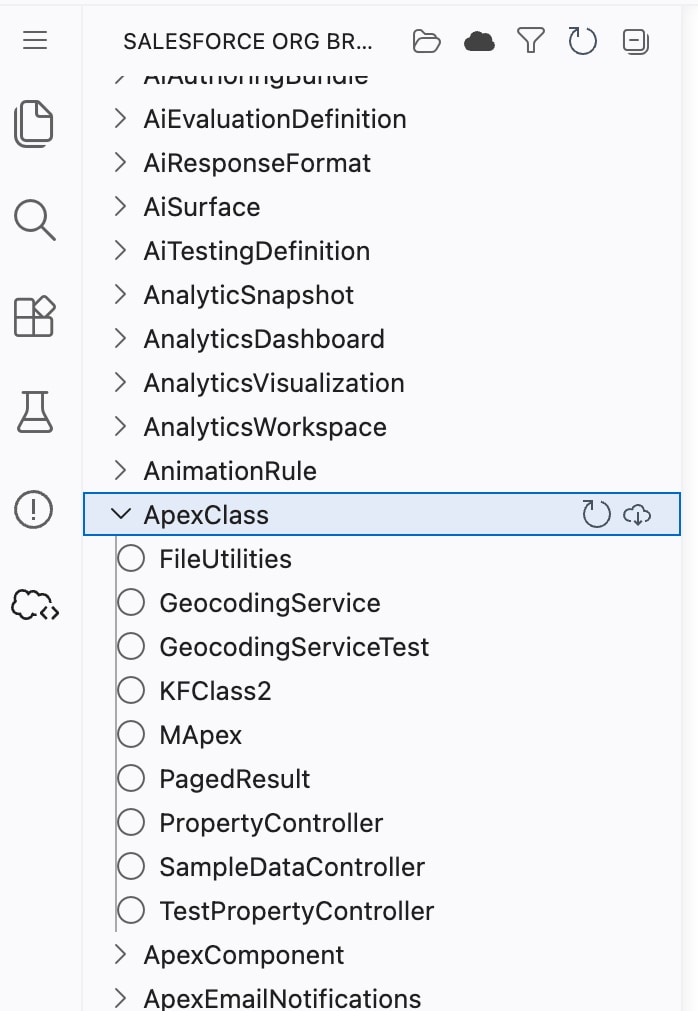
When you open the Org Browser, the metadata for the default org is saved in your local project to minimize the number of calls to the org.
List, Filter, and Refresh Metadata
- To view the components, expand a metadata type. You can use
 to expand and collapse all the metadata types.
 - To hide the local metadata types from the list, click
 .
. - To show only the metadata types that you’ve retrieved, click
 .
. - To filter the metadata, click
 , and enter a pattern. For example, to show only the Apex-related metadata, type
 Apex*. - To refresh, click
 . Refreshing updates the:
- Available metadata types in the org
- Components for the corresponding metadata type
- Folders within the metadata type and their components
Retrieve Org Metadata
Because of the asynchronous nature of the Metadata API calls, a simultaneous deployment and retrieval can potentially lead to a race condition. To prevent retrieving unexpected components, be mindful of using the Org Browser while deployment is in progress.
Warning
You can retrieve a single metadata component or all components of the same type. Click the retrieve icon ( ) next to:
- Component name to retrieve a component to your local project.
- Metadata type to retrieve all components of the type.
When you retrieve a component, a COMPONENT_NAME.METADATA_TYPE-meta.xml file is created with the information about the retrieved. Here’s an example.
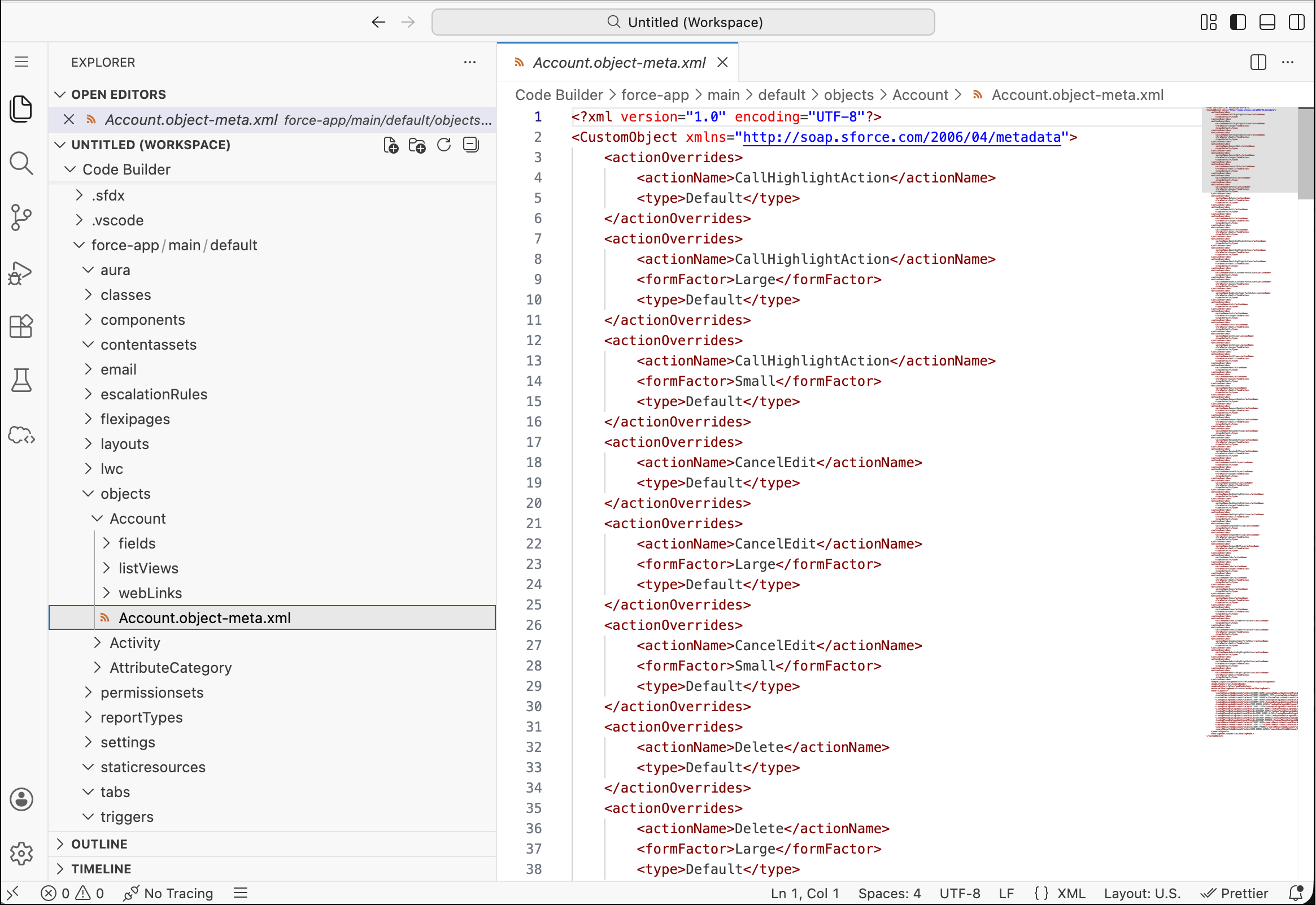
If you retrieve an existing component, a prompt shows asking if you’d like to overwrite the file.

When you retrieve components for a metadata type, the Org Browser automatically refreshes the component list for the selected type and then retrieves them. This action makes sure that the installed extensions accurately check the local workspace for existing components.
 j
j