


Retrieve Query Plans
Use the Query Plan tool to view, optimize, and speed up SOQL queries on large datasets.
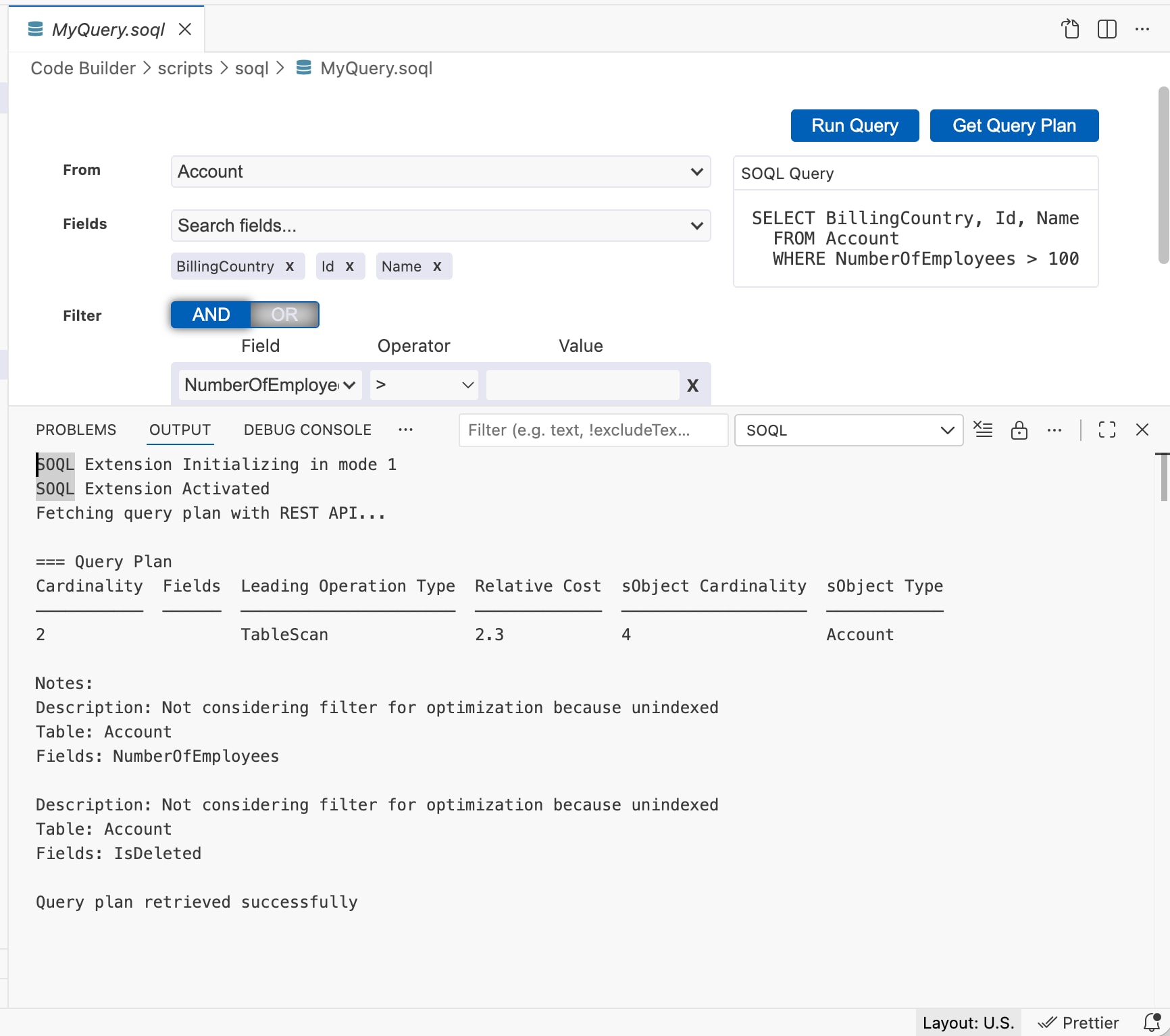
You can retrieve a query plan for a query by using one of these methods. The query plan shows each operation and its cost. The output panel shows all the available notes for your highest ranked query plan, which is the query plan currently in use. You can view the query plan from the SOQL Builder and from the text editor. The plan opens in the Output tab.
-
Open a query in the SOQL query builder and click Get Query Plan.
-
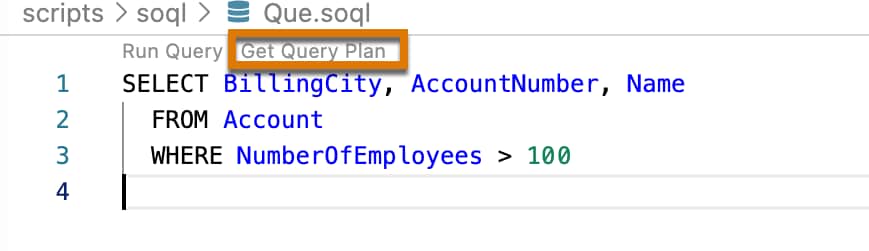
Open a query in the text editor and click the Get Query Plan text preceding the query text.
 j
j