
Appearance
Exercise 1: Explore the Pronto App
In this Exercise, you’ll explore the Pronto Salesforce and Data Cloud implementation to understand their use case.
Step 1: Explore the Merchant Management App
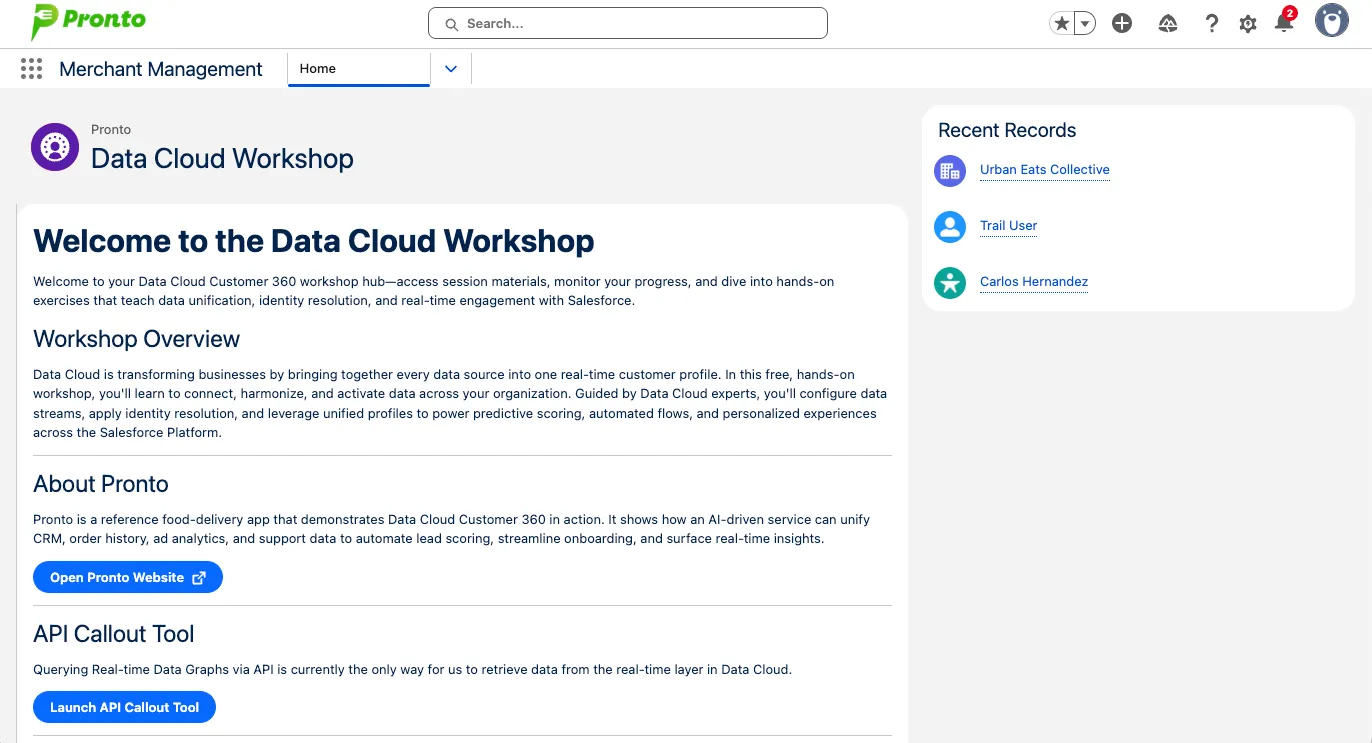
In the App Launcher, select the Merchant Management app
On the Home Page you will see resources for the workshop a link to the Pronto Web App and the API Callout Tool, we will use these later.+
Open the Accounts Tab.
Select the Merchants related list.
Open the Urban Eats Collective Account.
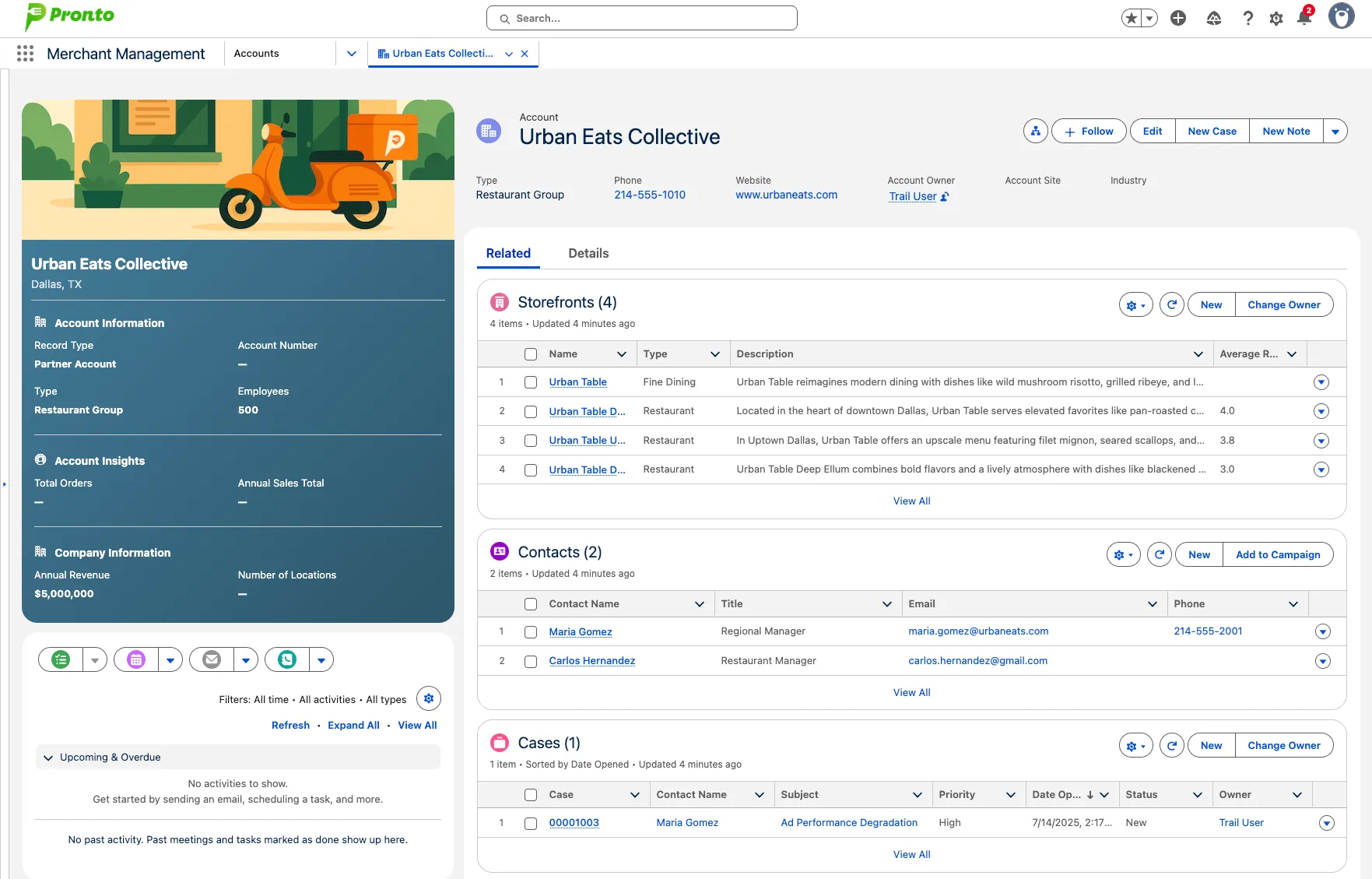
Here you will see a details about Business who partner with Pronto to sell through their platform. You will see Storefronts(restaurants) that they manage, Contacts, Cases, and Opportunities.
Step 2: Explore Data Cloud
In the App Launcher, select the Data Cloud app
Select the Data Streams Tab.
Select the All Data Streams Related List.
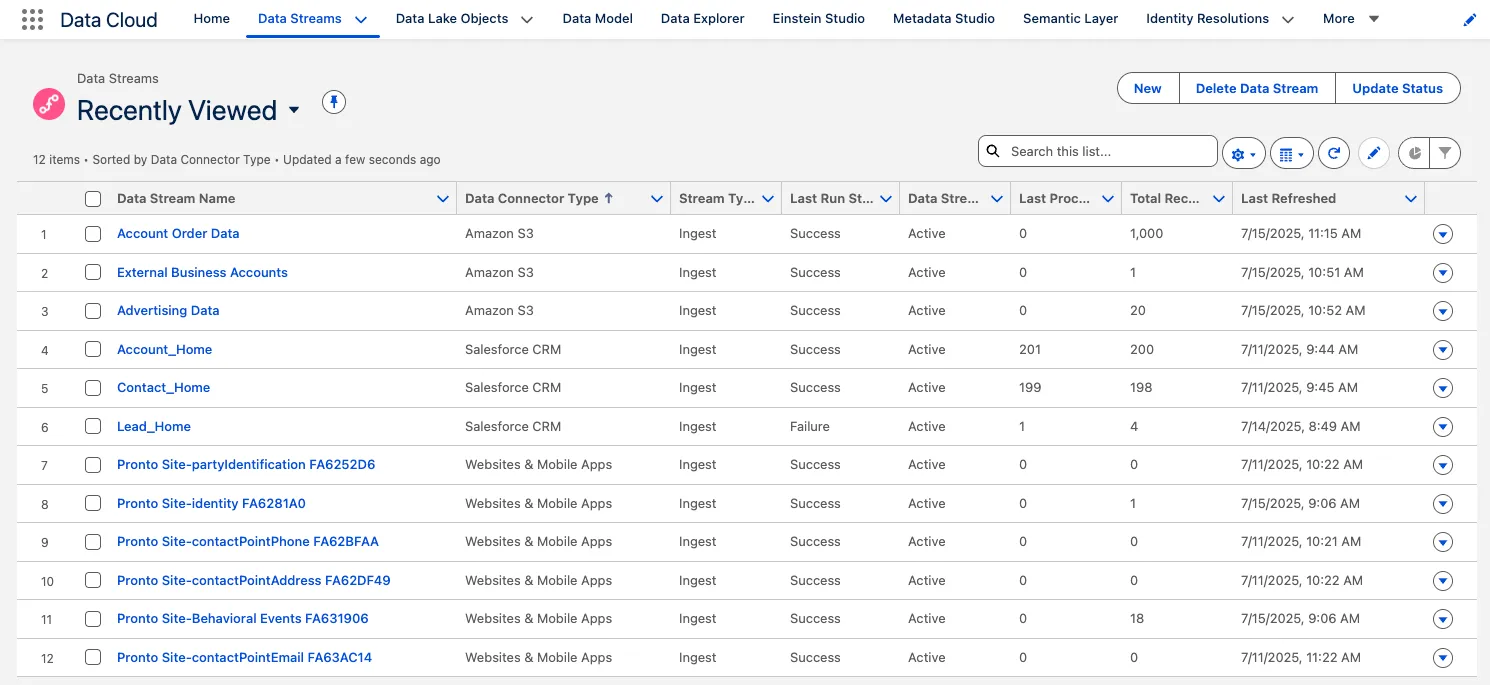
Here you will see a number of Data Streams from Amazon S3, Salesforce CRM, and the Web & Mobile App Connector.
Summary
The Environment has been prepopulated with a number of data sets that help Pronto manage their Business Partners that help them run their platform. In the following exercises we will enable them to bring Data Cloud into every part of their Unified Platform.