Service Cloud Voice Implementation Guide
 j
jNewer Version Available
Set Up OAuth in Your Service Cloud Voice Connected App
These instructions describe how to set up OAuth in a Salesforce connected
app.
Before you start, create a private key and a self-signed certificate.
- From Setup, enter Apps in the Quick Find box, and select App Manager. If you don’t already have a connected app for Amazon Connect, create a connected app.
- Click Edit in the dropdown menu.
- Click Enable OAuth Settings.
- For the Callback URL, enter: http://localhost:1717/OauthRedirect
- Select Use digital signatures and upload your self-signed certificate file.
-
For the Selected OAuth Scopes, ensure that the following scopes are selected.
- Access and manage your data (api)
- Perform requests on your behalf at any time (refresh_token, offline_acess)
- Save your settings.
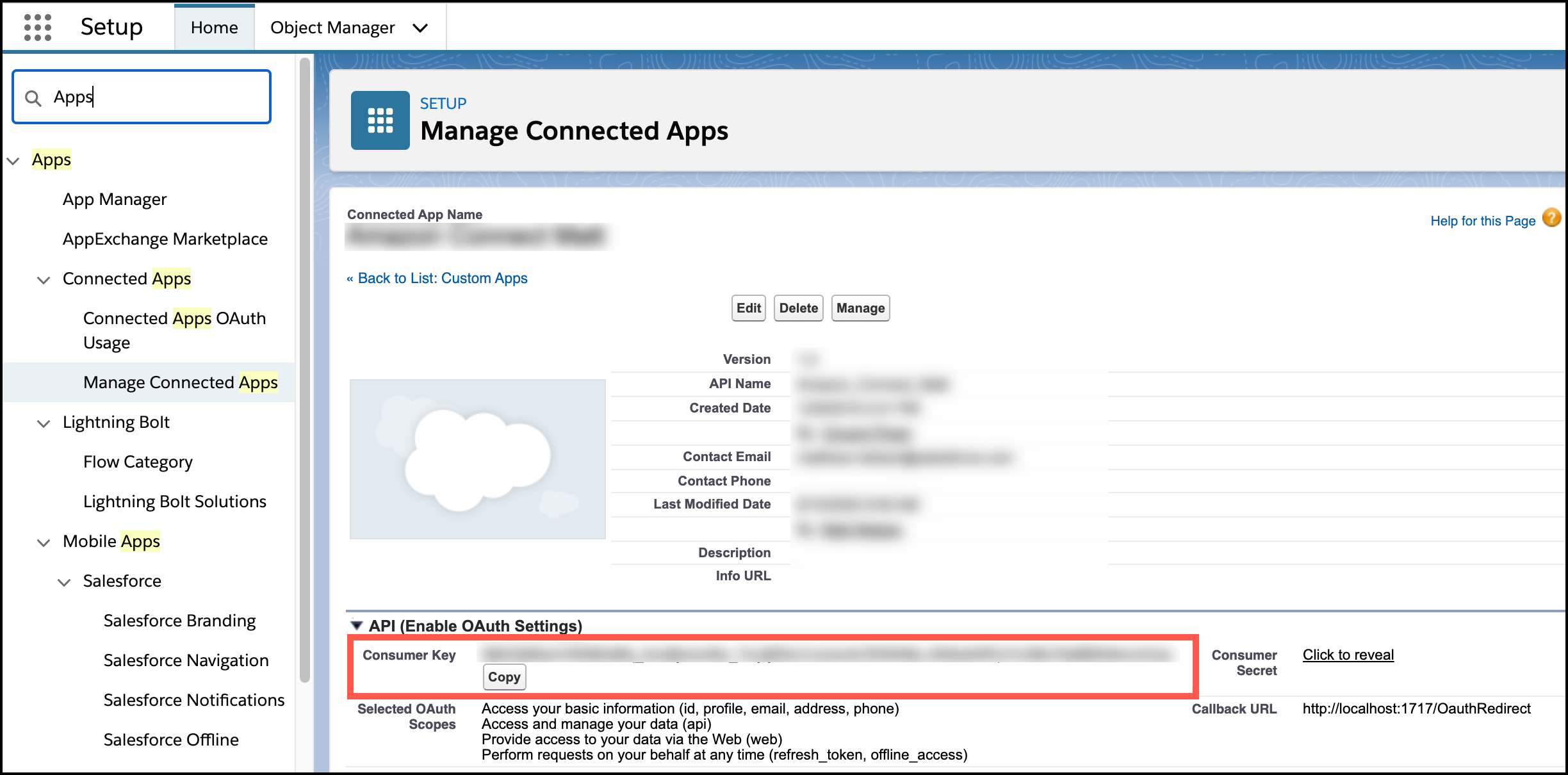
-
From the saved connected app with OAuth, copy the Consumer Key,
which is needed on the Amazon Connect instance.