Analytics Extended Metadata (XMD) Developer Guide
 j
jNote: This release is in preview. Features described here don’t become generally available until the latest general availability date that Salesforce announces for this release. Before then, and where features are noted as beta, pilot, or developer preview, we can’t guarantee general availability within any particular time frame or at all. Make your purchase decisions only on the basis of generally available products and features.
Hide Dataset Fields from the Explorer and Dashboard Designer
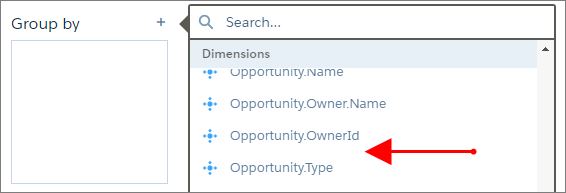
By default, all dataset fields are available in the UI. But you can hide fields so that
users can’t select them when building queries and dashboards.
For example, the Opportunity.StageName field appears in the explorer.
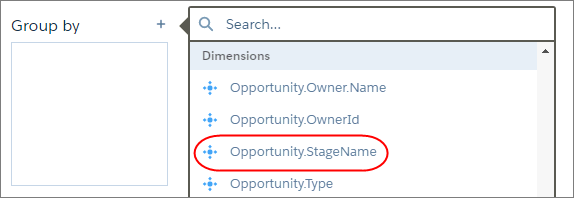
To hide the field, modify the XMD as shown in the following
text.
1"dimensions": [{
2		"field": "Opportunity.StageName",
3		"showInExplorer": false
4 }],After applying the change, the field is no longer available for selection.