


 j
jImplementation Lifecycle: Personas
Set Up Guest Checkout for Headless Commerce Stores
Place an Order on Behalf of a User in a B2B Store
Handle Currency Changes
Simplify Cart Cleanup
Streamline Place Order
How Standard B2B Commerce Checkout Works
Add to Cart
Start Checkout
Poll Checkout Status
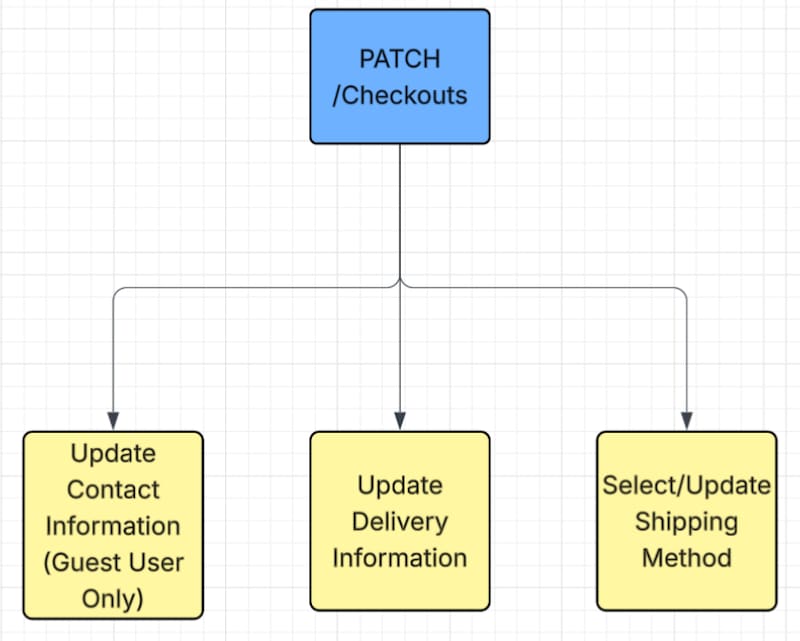
Update Checkout Information
Process Payment
Place Order
B2B Commerce Checkout Calculators
Avoid Common Misconfigurations
Troubleshooting Checkout Issues
Commerce SFDX Environment Setup
Implement Custom Self-Registration for a B2B Store
Commerce LWR Storefront Performance Best Practices
Image Optimization Best Practices
Custom Rules for Product Readiness