


 j
jImplementation Lifecycle: Personas
Integration Architecture for B2B Stores (LWR)
Checkout Integration
Shipping and Tax Integration
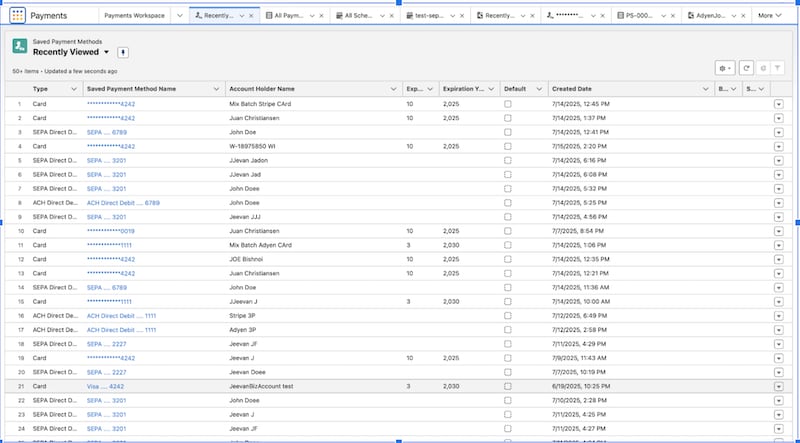
Create a Saved Payment Method Using the sObject API
Example: Create a Saved Payment Method for a Card
Example: Create a Saved Payment Method for Bank or Alternative Payment Method
Example: Create Saved Payment Method for Wallet
Delete a Saved Payment Method Using the sObject API
Query Saved Payment Method Records Using Apex
Commerce SFDX Environment Setup
Implement Custom Self-Registration for a B2B Store
Commerce LWR Storefront Performance Best Practices
Image Optimization Best Practices
Custom Rules for Product Readiness