


 j
jPrerequisites
Integrate the Android SDK
Add SDK Dependencies with CocoaPods
Add SDK Dependencies with SPM
Add SDK Dependencies Manually
Integrate the iOS Extension SDK
Event Tracking
You can add the Mobile App Messaging, In-App Messaging, and Push Messaging modules as dependencies in your app’s Podfile using Swift Package Manager (SPM).
In your Xcode project, go to the Package Dependencies tab of your project’s settings.
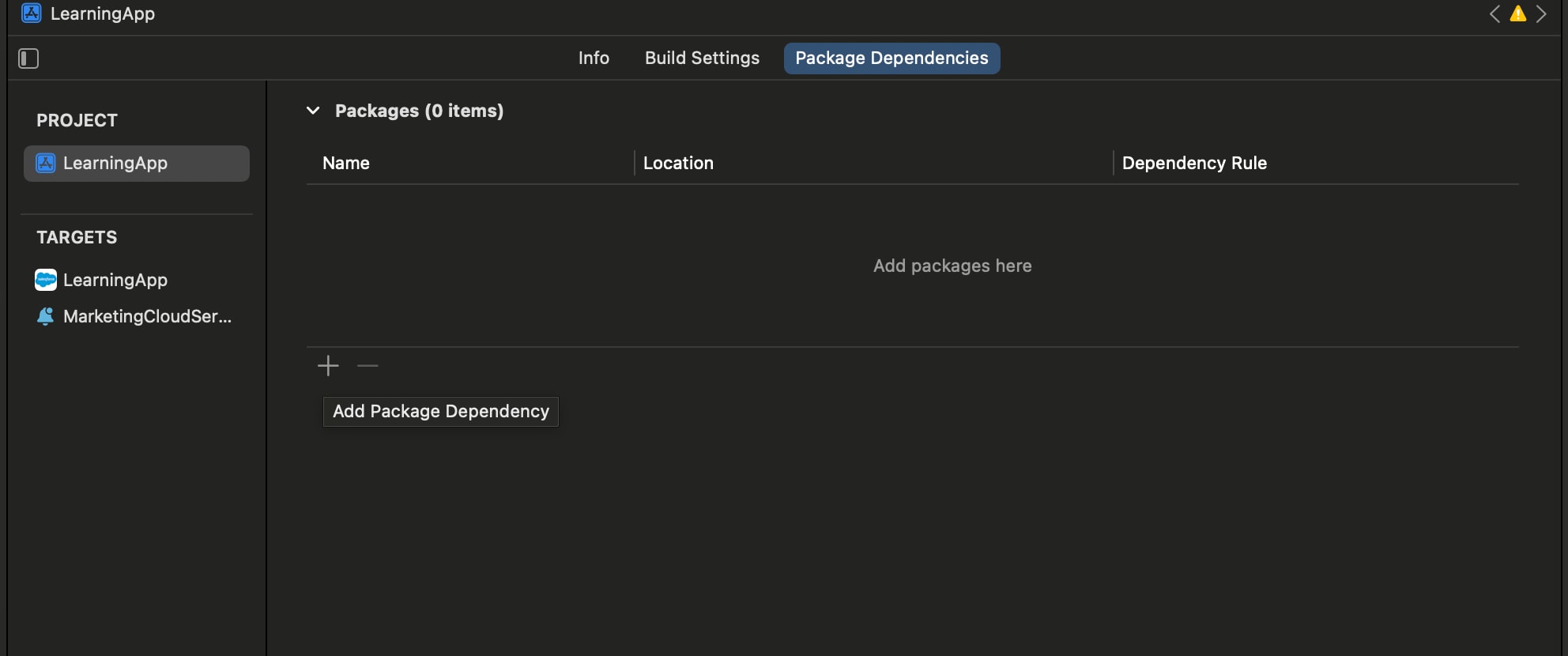
Add a package by clicking the plus sign (+).
Search for Mobile App Messaging, In-App Messaging, and Push Messaging modules.
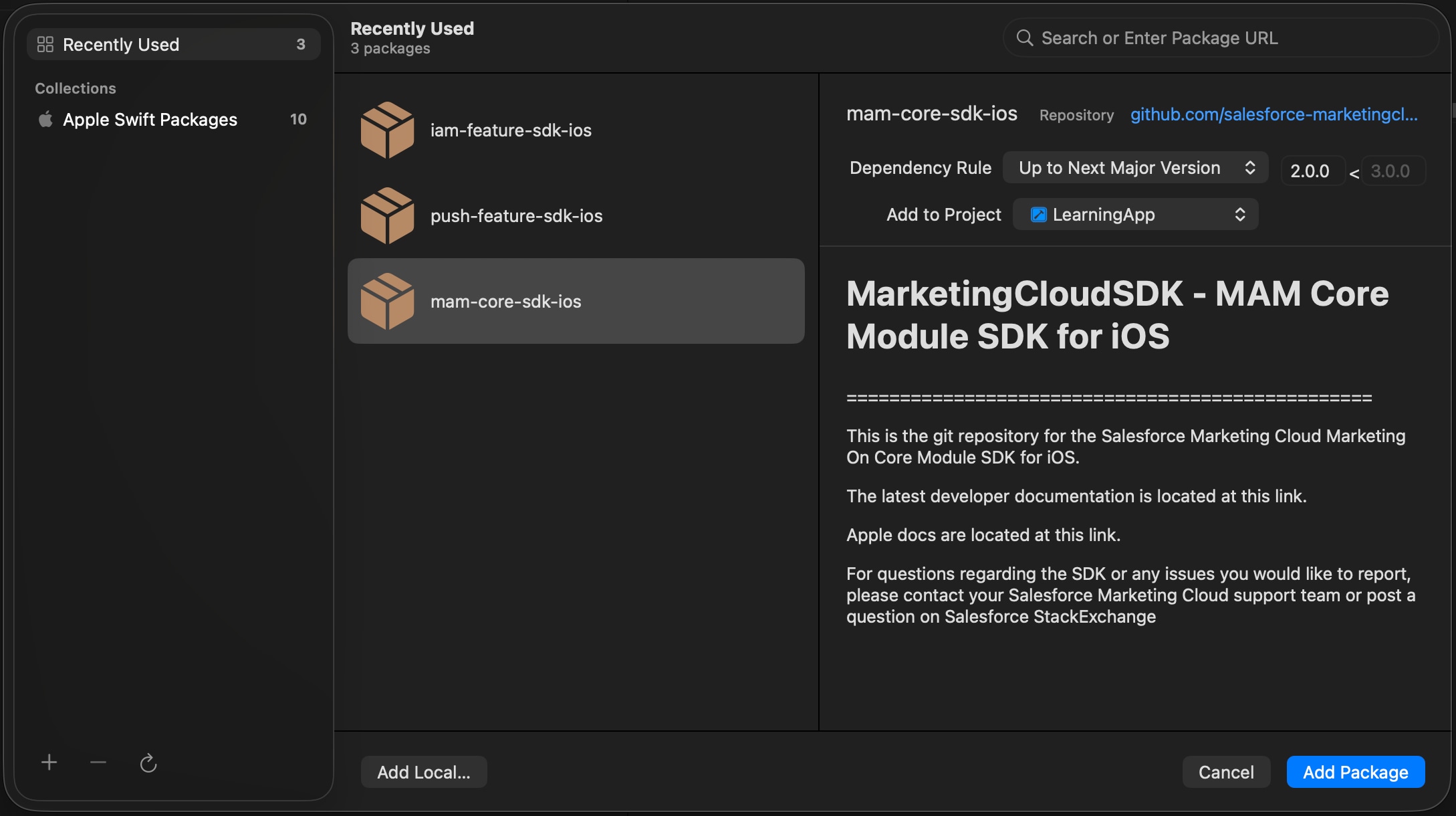
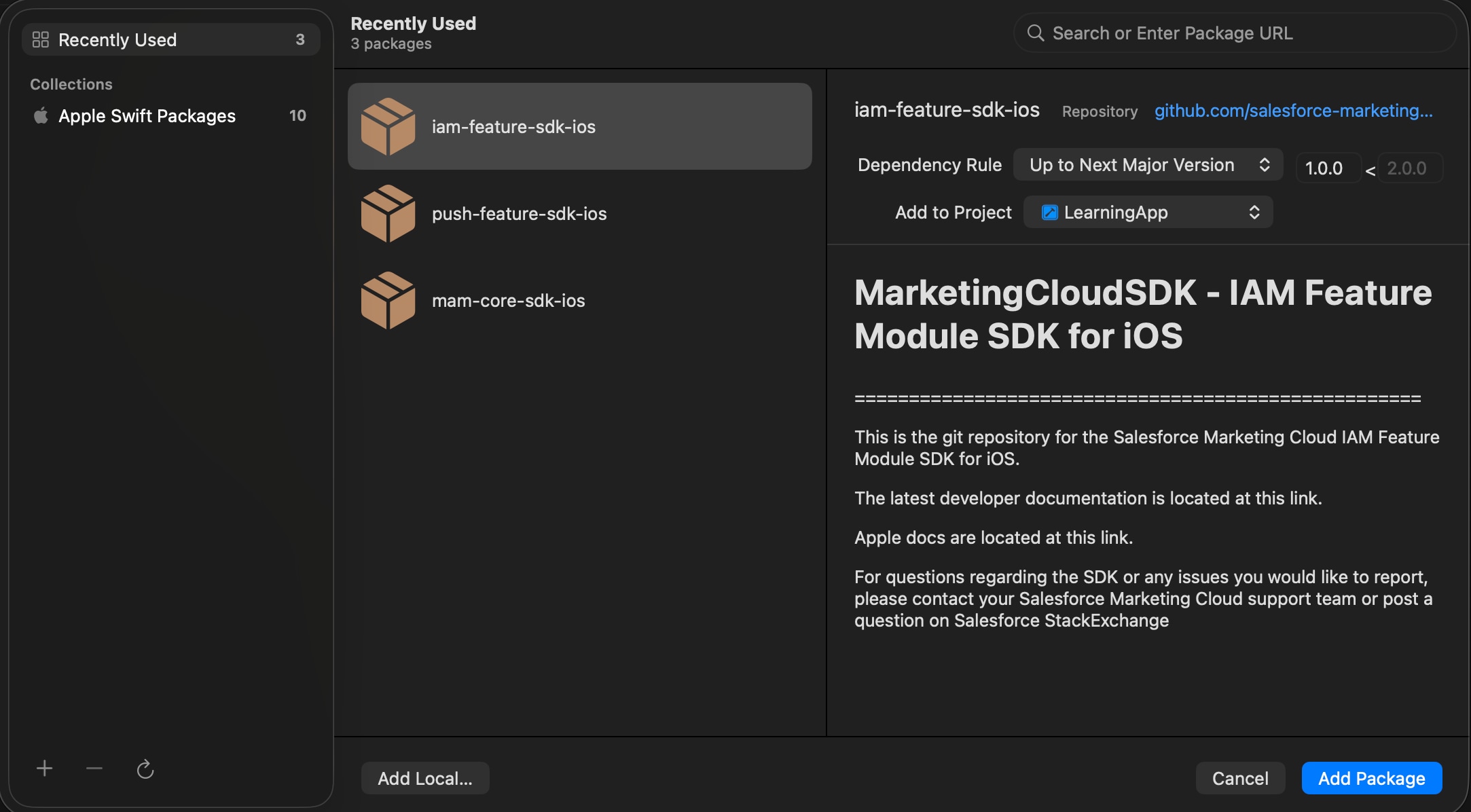
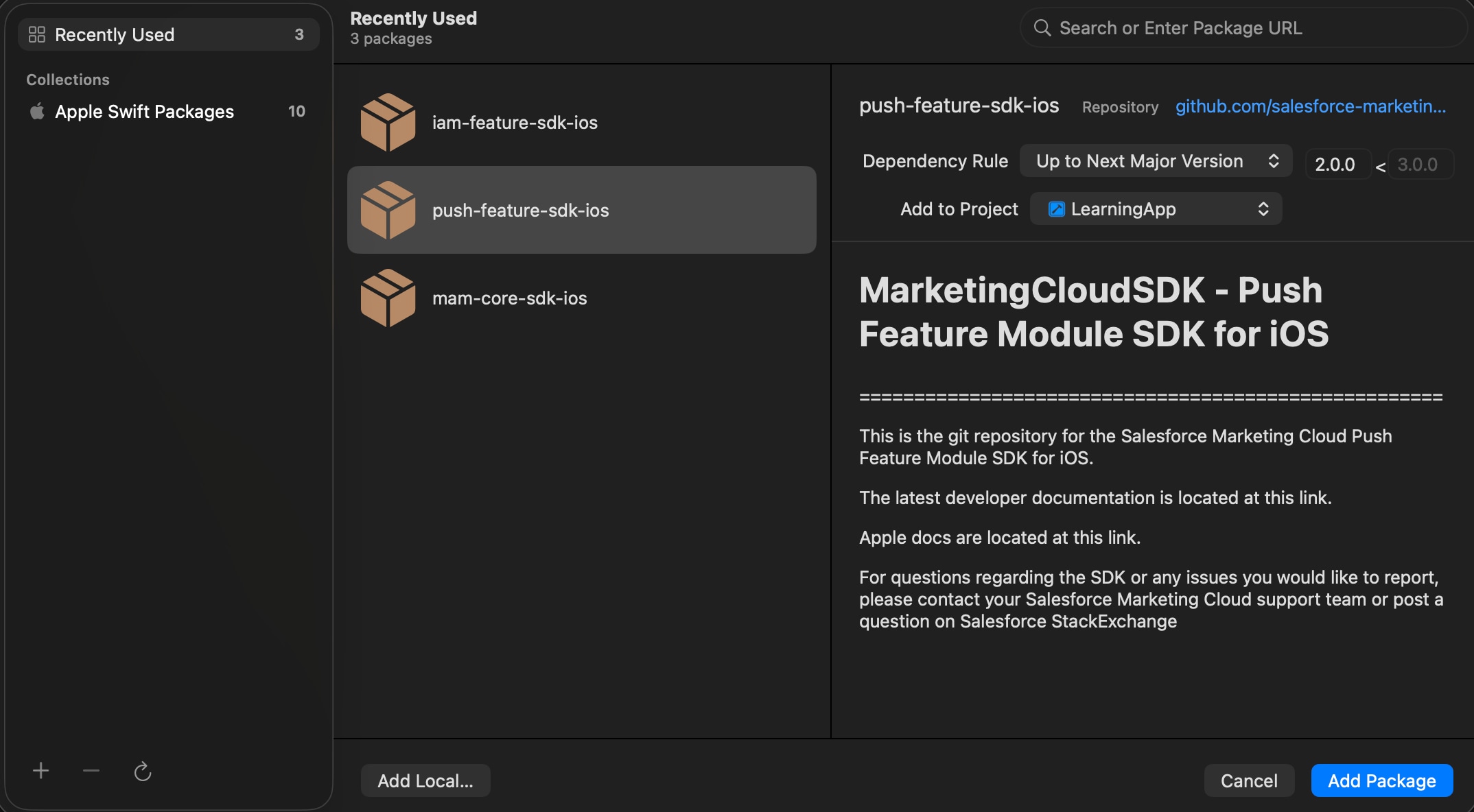
Select the packages to include them in your app.
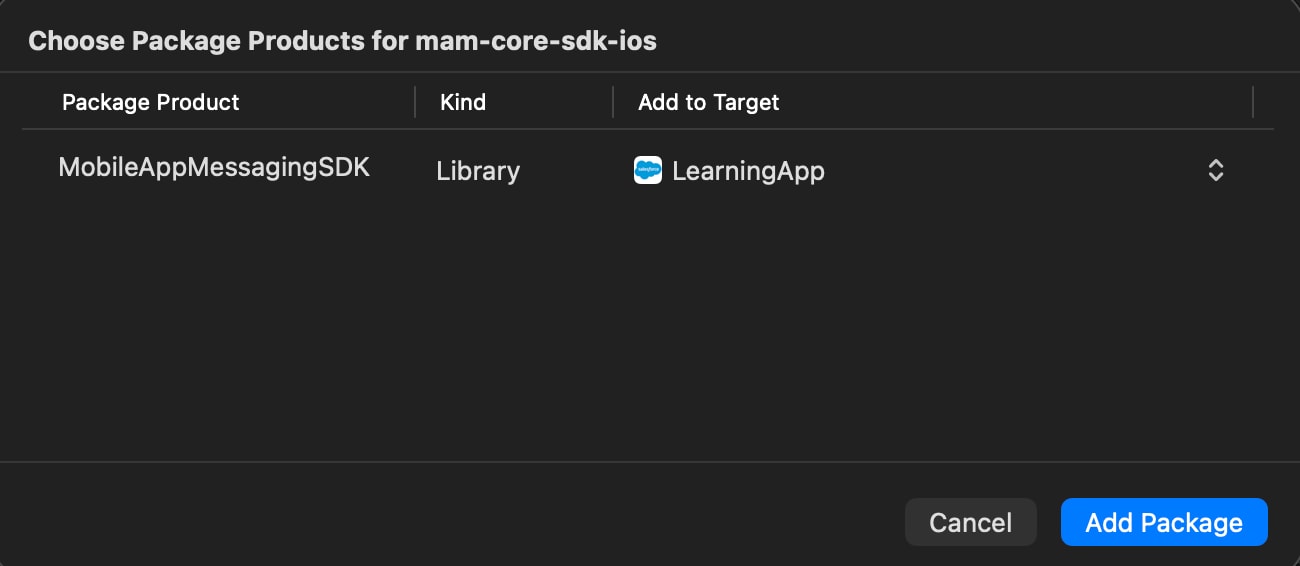
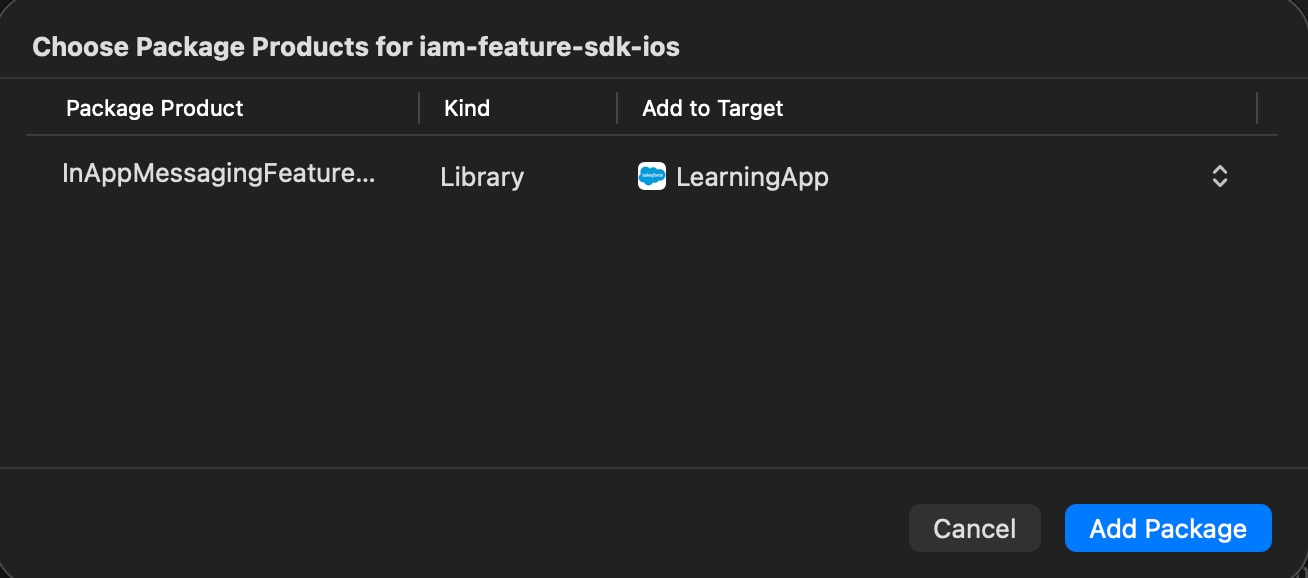
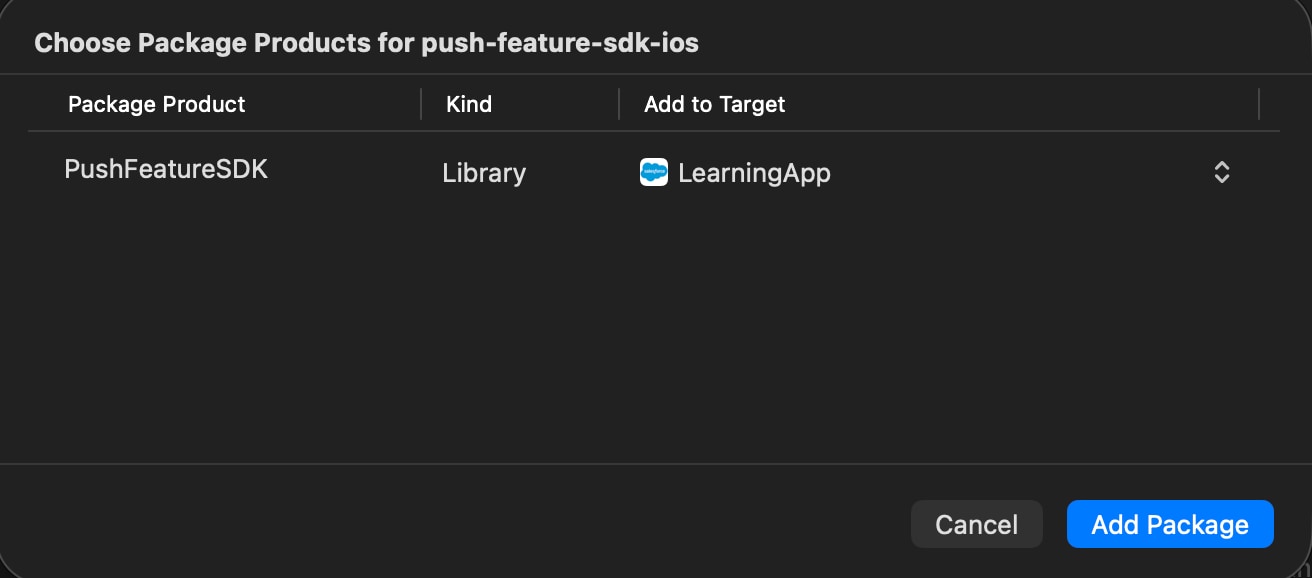
After you add the dependencies, configure the SDK.
j