


Launch Web Console
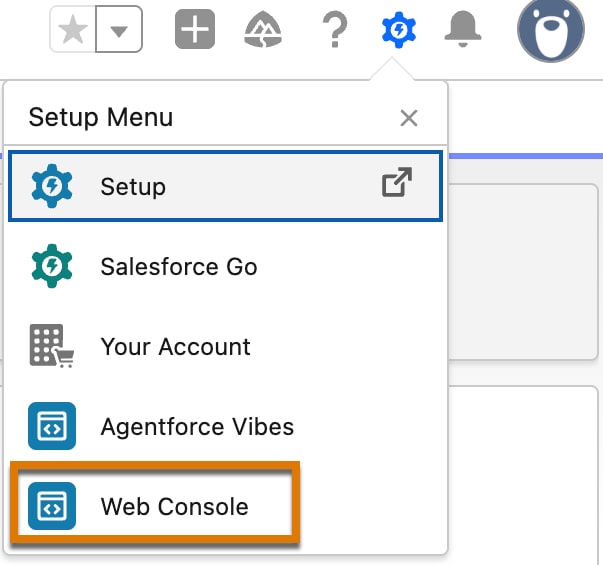
When Web Console is enabled, you can open it from these locations on the Setup page.
-
Gear icon
-
Click the gear (
 ) icon.
 -
Select the Web Console option.
-
-
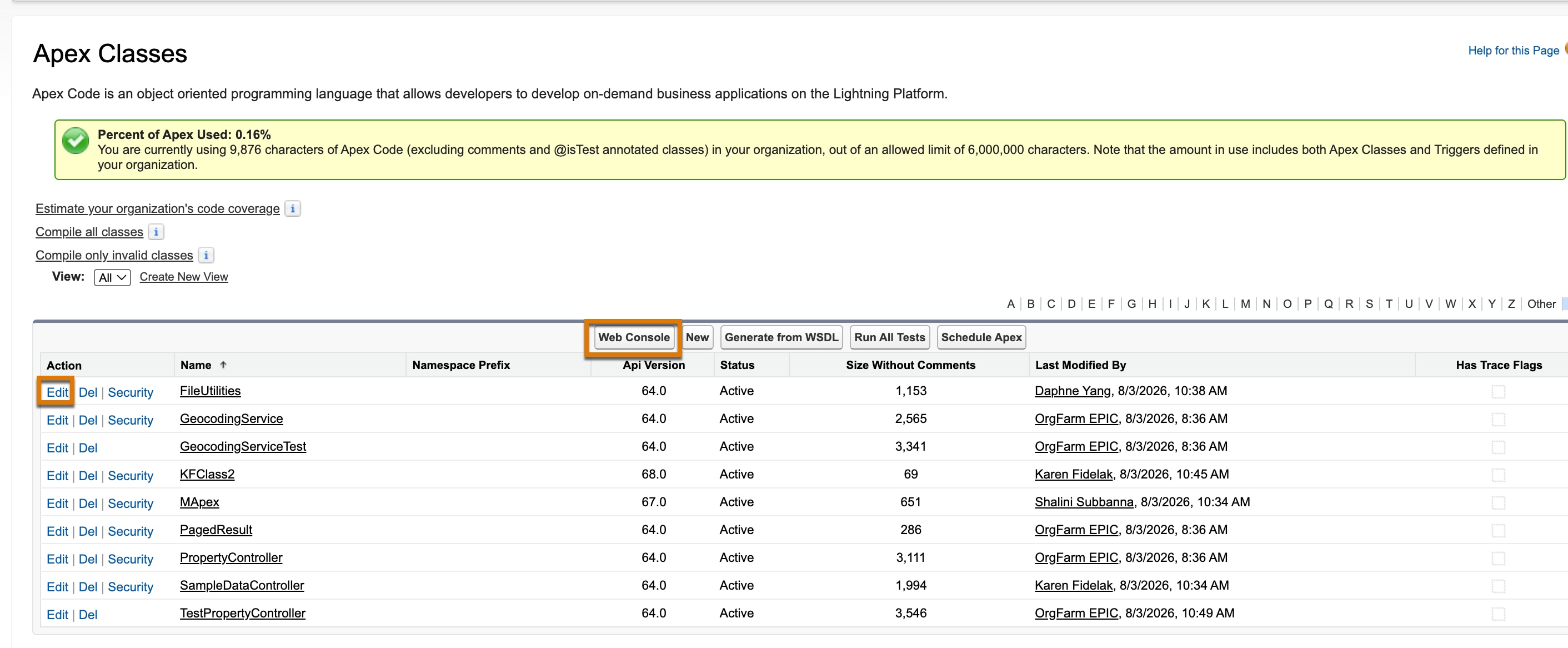
Edit links on the Apex Classes, Apex Jobs, and Apex Triggers pages.
You can’t edit an Apex object in a production org. Hence, the Edit links aren’t visible in a production org.
Note
- From Setup, in the Quick Find box, enter
Apex Classes,Apex Triggers, orApex Jobs. - Click the Edit link before an Apex object name, or click Web Console to edit the object in Web Console. In this example, a list of Apex classes displays on the Apex Classes page. Clicking the Edit link opens the class in the Web Console.
If Web Console isn’t enabled, the Apex objects open in the Developer Console.
Note
- From Setup, in the Quick Find box, enter
 j
j