Salesforce Voice with Partner Telephony Developer Guide
 j
jNote: This release is in preview. Features described here don’t become generally available until the latest general availability date that Salesforce announces for this release. Before then, and where features are noted as beta, pilot, or developer preview, we can’t guarantee general availability within any particular time frame or at all. Make your purchase decisions only on the basis of generally available products and features.
Accept Inbound Calls in Omni-Channel
Now that you’ve added support for inbound calls, open the Voice Call Simulator and click
New Inbound Call.
For details, see Test Your Implementation with the Voice Call Simulator.
The call appears in the Omni-Channel utility. 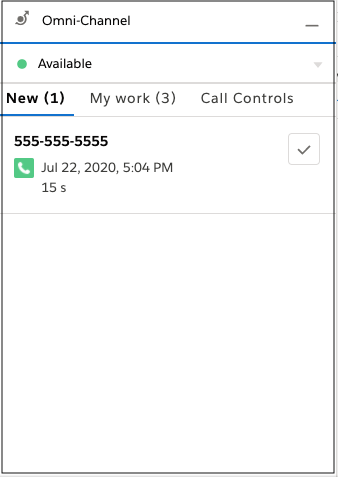 To accept the call,
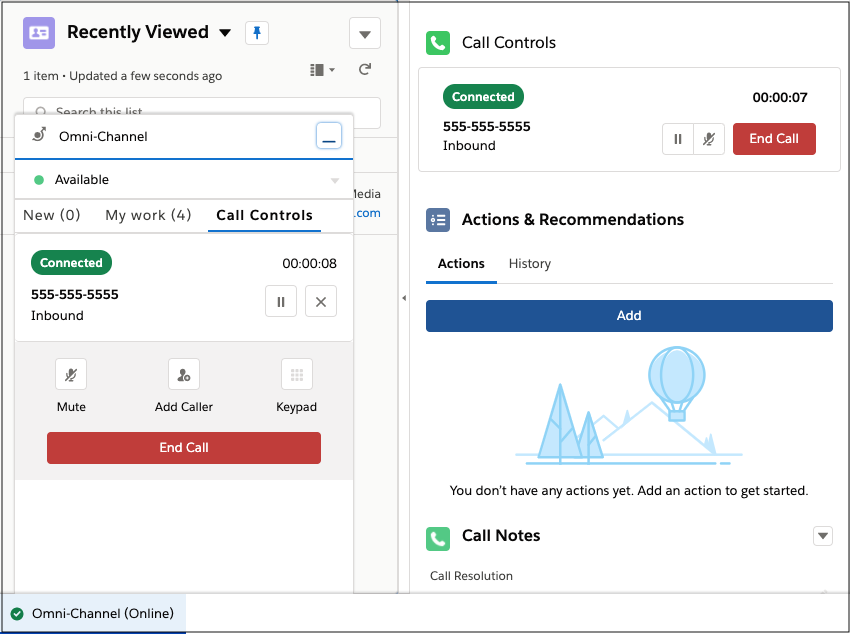
click the checkmark. You can mute, unmute, transfer, and end the call. Salesforce opens the
VoiceCall record that is created.
To accept the call,
click the checkmark. You can mute, unmute, transfer, and end the call. Salesforce opens the
VoiceCall record that is created.