


 j
jSession Lifecycle
Examples
Variables
Considerations
Troubleshooting
Export Agentforce Session Tracing Data
To communicate with an agent through the Agent API, you must create a session. Then you send messages to the agent by using the ID associated with that session. The agent keep tracks of the context throughout the session. When you’re finished working with the agent, end the session.
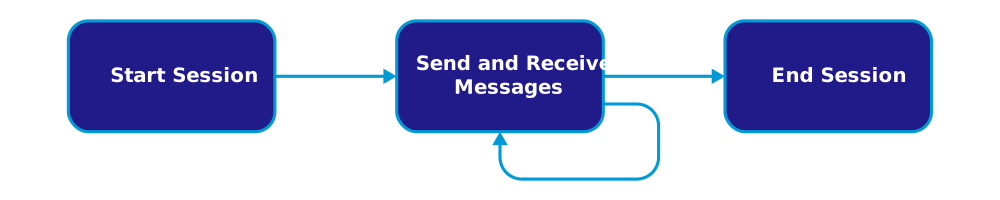
The Agent API provides endpoints for each stage in this lifecycle, along with an endpoint to submit feedback on a response.
Sending and receiving messages can be performed synchronously or with the streaming endpoint. The synchronous endpoint is best for simple use cases where you want the entire response in one shot. The streaming endpoint is best if you intend to show the response to the user as the chunks of content arrive, like in a real-time chat conversation.
j