


Salesforce Voice with Telephony Providers Implementation Guide
 j
jImprove Amazon Transcribe's Transcription Accuracy with Custom Vocabulary and Filters
| Ease of Implementation | Easy |
| Estimated Time to Implement | 30 minutes |
Prerequisites
To implement this use case, you need either the AWS root user or AWS administrator credentials.
Step 1: Set Up Custom Vocabularies and/or Vocabulary Filtering in Amazon Transcribe
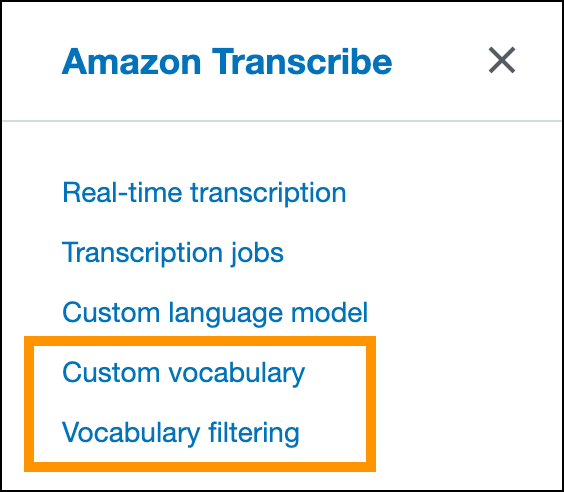
- To process speech more accurately, set up your custom vocabulary in Amazon Transcribe. This feature is useful for domain-specific terminology.
- To mask or remove words that you don’t want to appear in the transcription, set up vocabulary filtering in Amazon Transcribe.
Be sure to record the name of the custom vocabulary and the name of the filter for the next step.
Step 2: Modify the Contact Flows That Perform Transcription
The kvsConsumerTrigger Lambda function, which is installed with Salesforce Voice, requires information about your vocabulary changes. This function starts the transcription process and is used by both inbound and outbound flows. Update these flows with additional parameters.
To update your flows, perform the following steps on all contact flows that use transcription:
- Find and edit any contact flow block that runs the kvsConsumerTrigger Lambda function.
This block should have the title Invoke AWS Lambda
function.

To verify that you’ve selected the correct block, check that it ends with the string kvsConsumerTrigger.
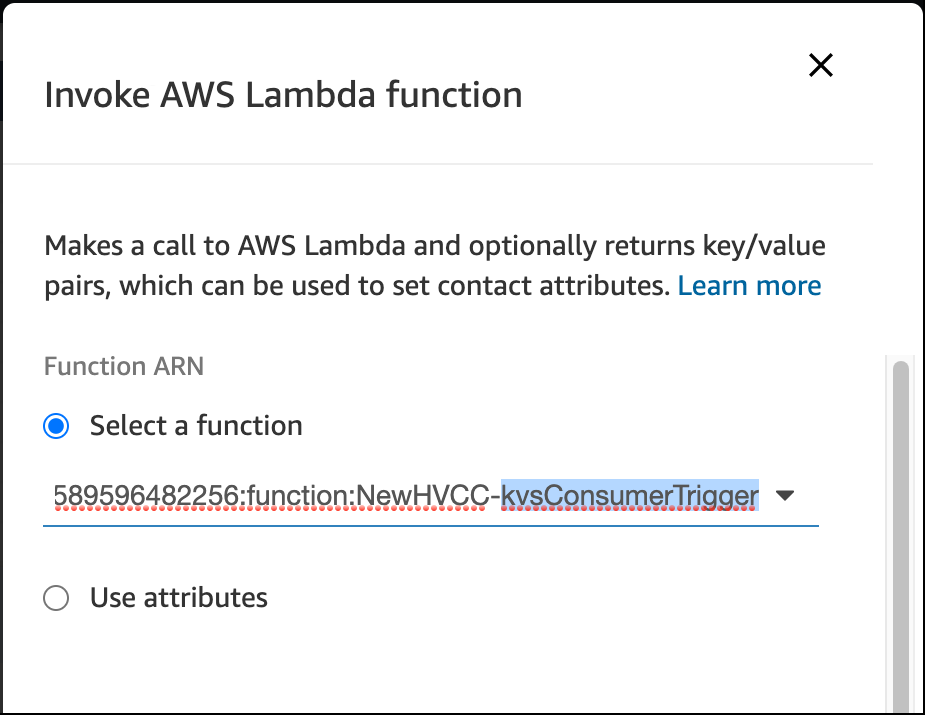
- If you have a custom vocabulary, add a vocabularyName parameter to this block with the name of your custom
vocabulary that you created earlier.
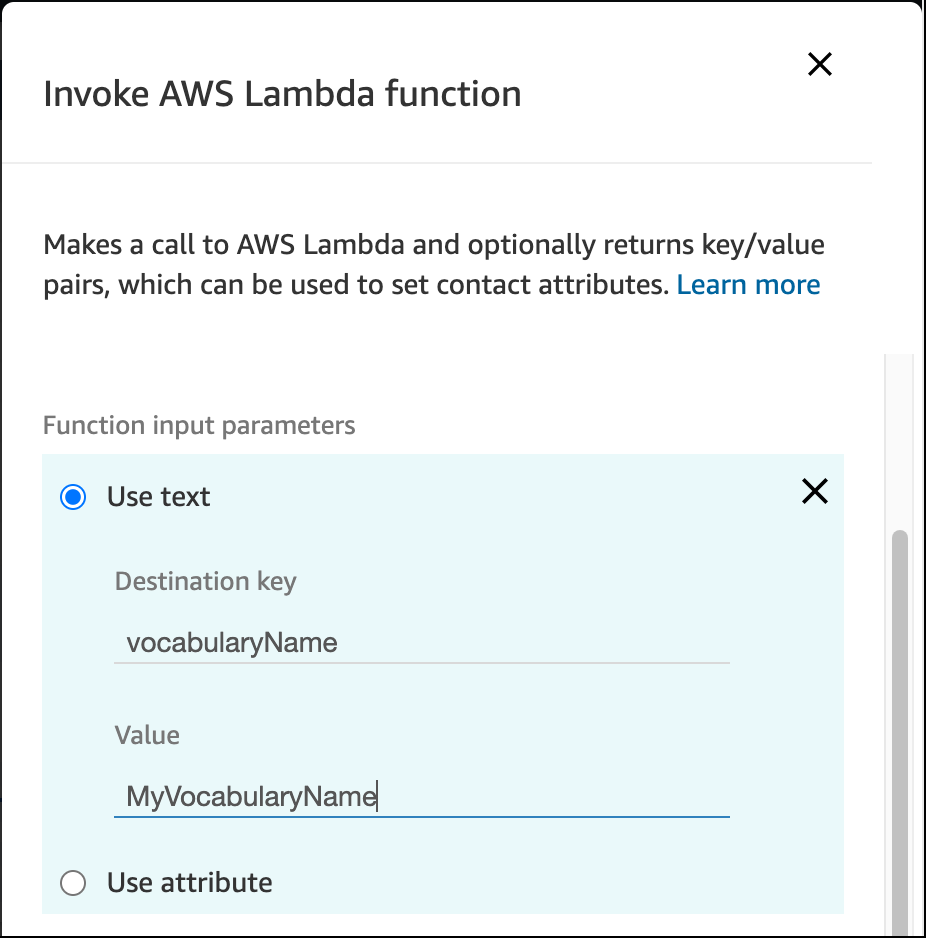
- If you have vocabulary filtering in place, add a vocabularyFilterName parameter to this block with the name of your
vocabulary filter that you created earlier. Also, add a vocabularyFilterMethod parameter with one of the following values: mask or remove.
mask replaces the term with asterisks. remove removes the term from the transcript. If no
vocabularyFilterMethod parameter is provided, the
behavior defaults to mask.

- Save the block and contact flow, and then publish your contact flow.
Test This Example
To test this example, perform an inbound call and review the transcript that appears. The transcript should reflect your filters and custom vocabulary.