


 j
jGet Started
Release Notes
Step 1: Create an External Client App and Configure Policies
Step 2: Generate an Access Token
Step 3: Create a Platform Event and Assign Permissions
Step 4: Create Entity Records
Step 5: Configure Salesforce Flow with RouteWork Action
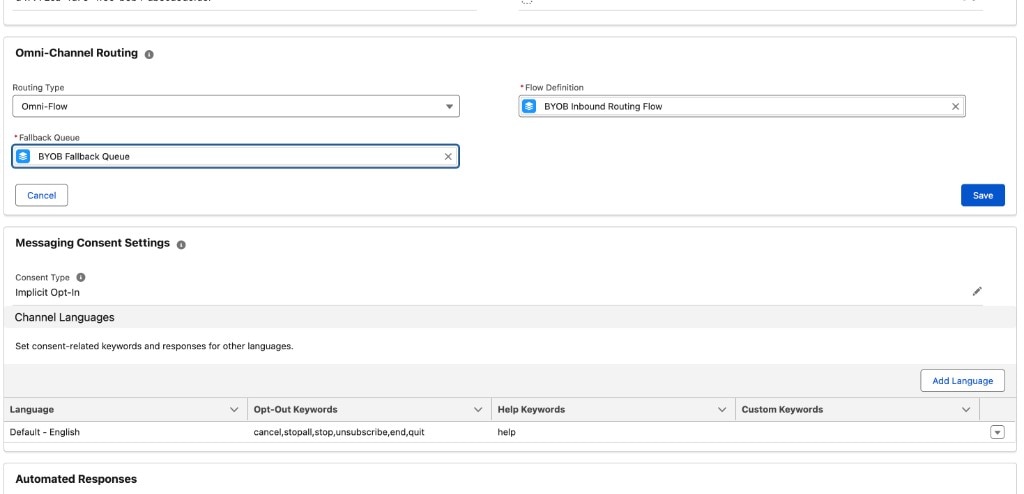
Step 6: Configure Messaging Channel
Set Up the Demo Connector
Test the Interaction Service APIs
Interaction Service API Guide