


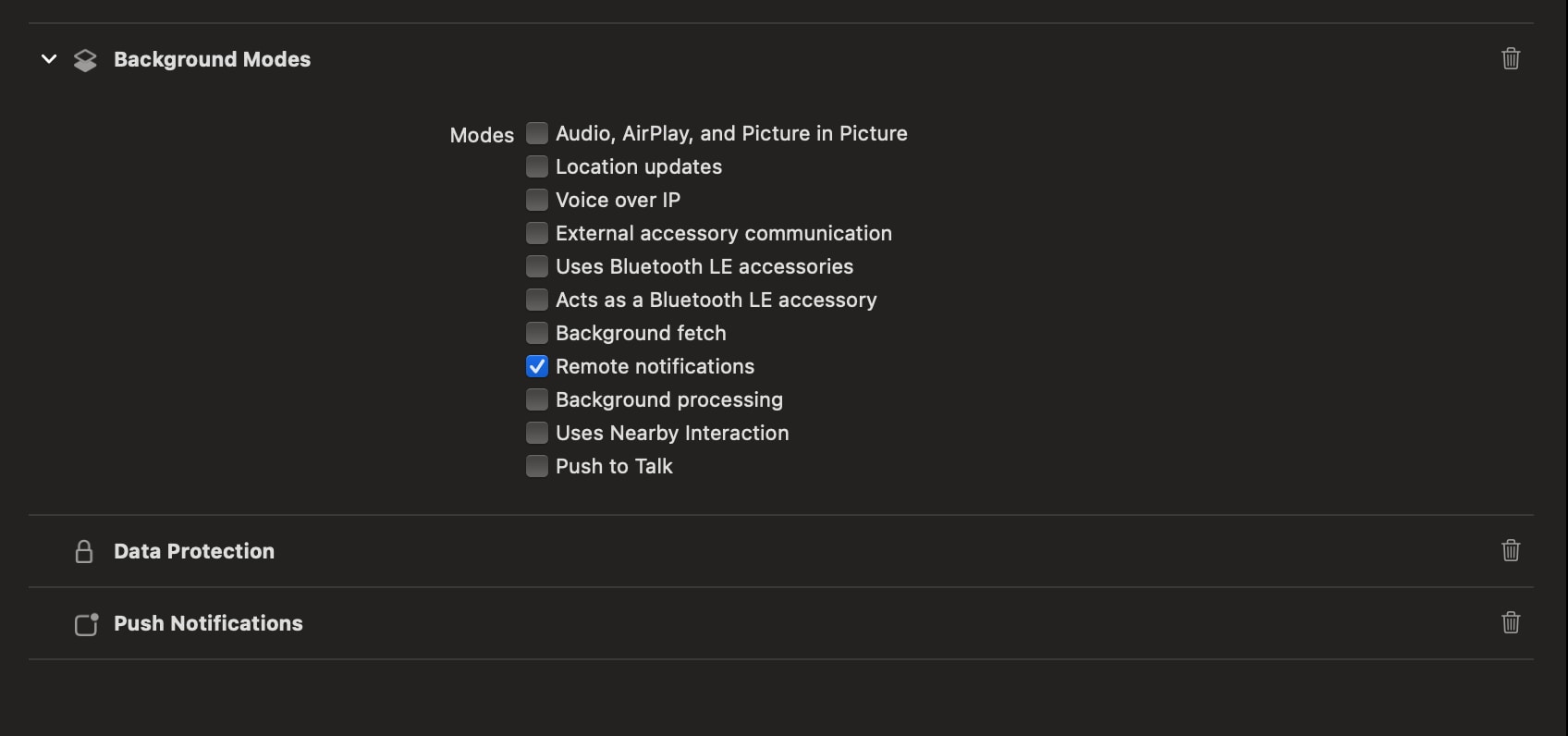
 j
jConfigure Marketing Cloud Engagement
Runtime Toggles
Event Tracking
Troubleshoot Initialization and Registration
Troubleshoot Push Implementation
Troubleshoot Dependency Issues
Troubleshoot App Submission Errors
Troubleshoot APNs Server Configuration
Troubleshoot Data Merges
Troubleshoot Data Protection
Handle Crashes
Troubleshoot MarketingCloudSDK.bundle Inclusion
Troubleshoot Silent Push Notifications
Troubleshoot Push Delivery Analytics
Troubleshoot Issues in iOS Service Extensions
Handle URLs
Data Protection and Privacy
Changelog