Messages with an OpenDirect URL
Use OpenDirect to direct users to specific content when they tap a push notification. OpenDirect messages include a URL in the push payload that points to a web page, a deep link within your app, or any custom URL scheme your app handles. This feature lets marketers create notifications that take users directly to relevant content, such as product pages, promotional offers, article details, or specific app screens.
When a user taps an OpenDirect notification, the SDK passes the URL to your application through the URL handling delegate. Your app then decides how to handle the URL. The can open the link in a browser, display the URL in an in-app browser using SFSafariViewController, navigate to a specific screen, or trigger custom logic based on URL parameters.
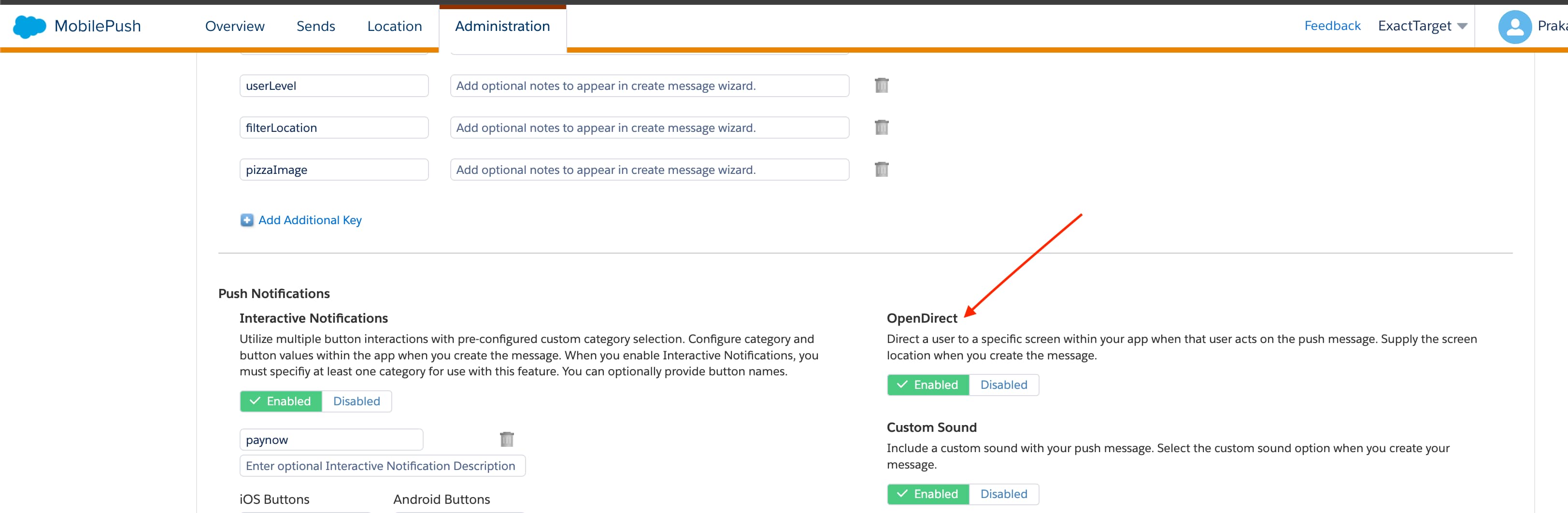
A marketing admin enables OpenDirect on the MobilePush Administration page in Marketing Cloud Engagement Setup.


 j
j