Specify a Custom Notification Sound
Play a custom sound when push notifications arrive by including an audio file in your app bundle. The SDK looks for a file named custom.caf in your app’s resources and plays it when a push message arrives. This feature lets you create a distinctive audio signal that helps users recognize notifications from your app.
- Add a file named
custom.caf to your project. The cloud push payload looks for a file named custom.caf.
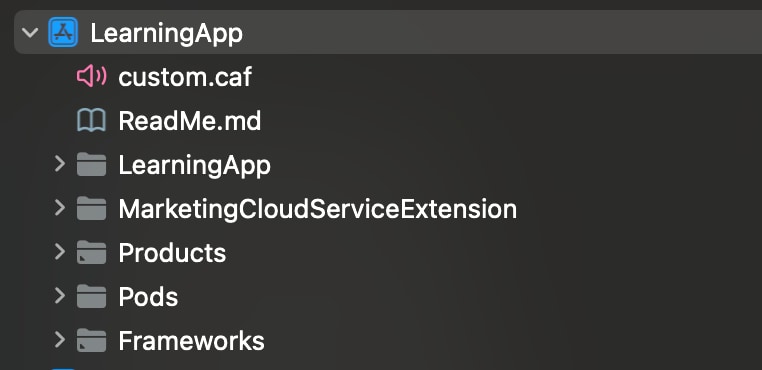
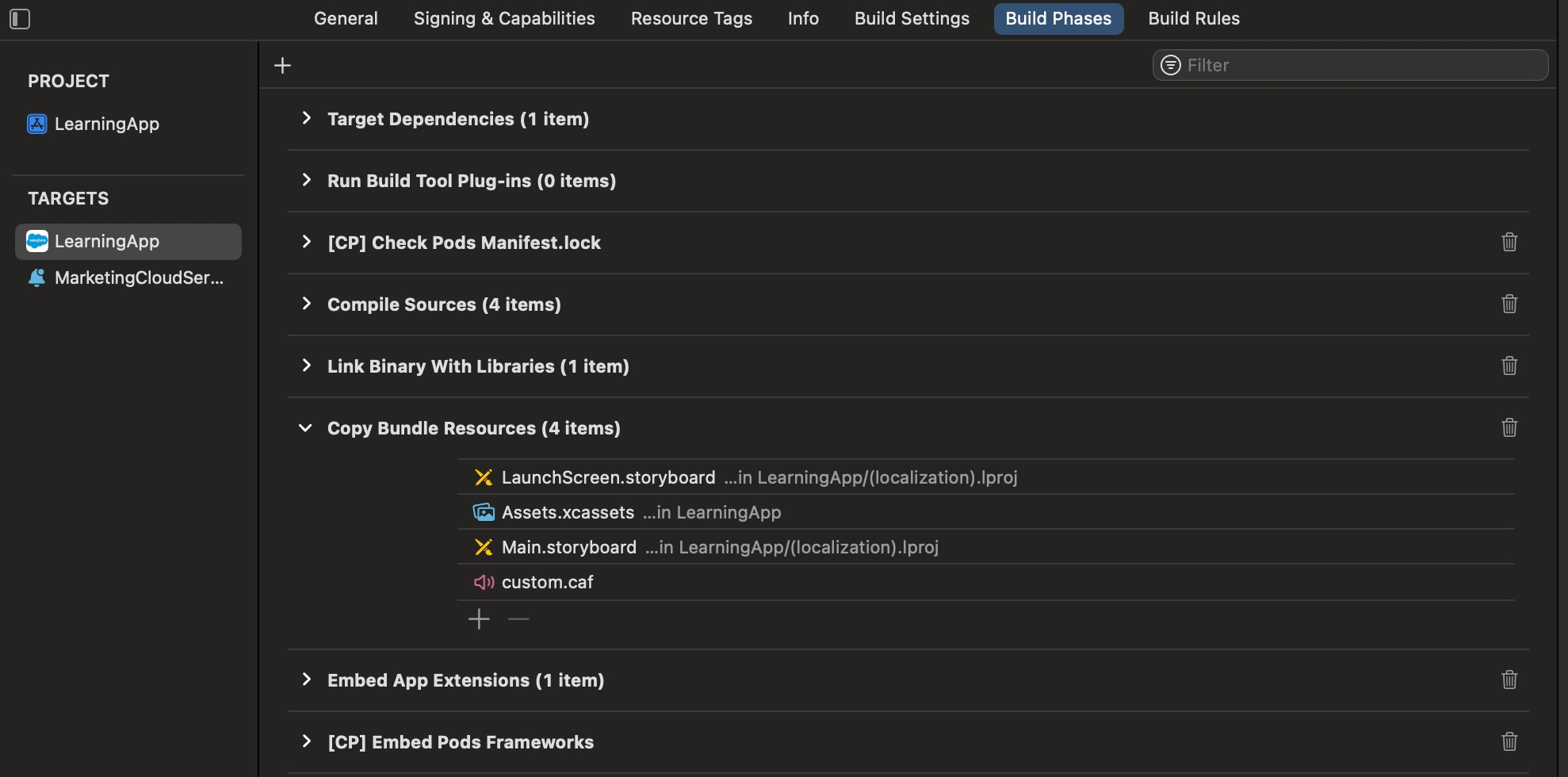
- Add the
custom.caf audio file to the Copy Bundle Resources folder in Xcode for your app.
- To prevent Xcode from using cached files, perform a clean build folder in Xcode. In the Product menu, hold the Option key and select Clean Build Folder.
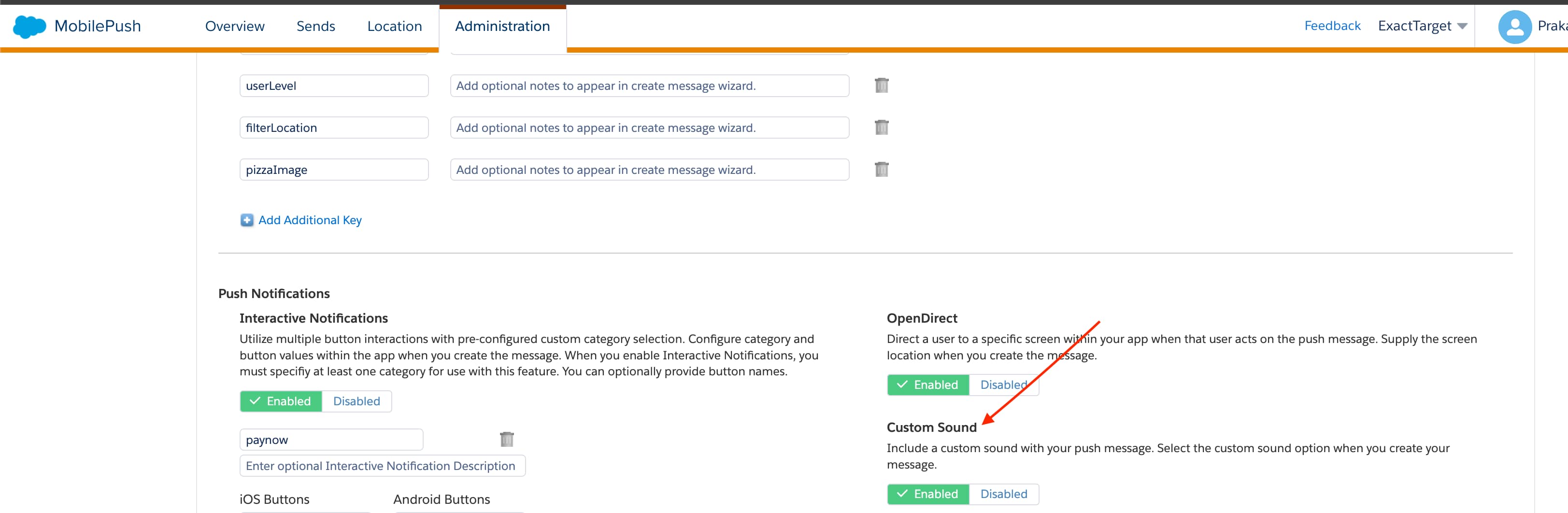
- Enable the custom sound option on the MobilePush Administration page. You might need to work with a Marketing Cloud Engagement admin to enable this option.


 j
j