Get Service Territories
A service territory represents a branch or office location where your service resources (appointment attendees) operate from or meet customers. Use the service-territories Connect API to fetch a list of service territories based on a work type group or work type.
-
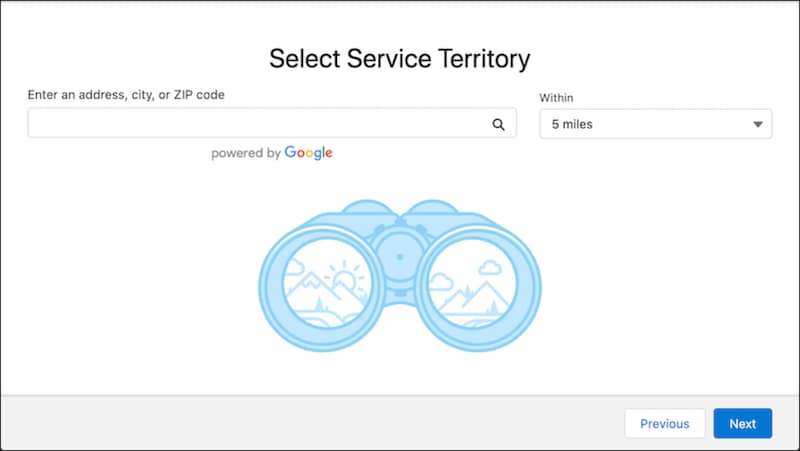
Create a page where you can provide users an option to search for service territories.
Here’s how a Select Service Territory page can look.

-
Make a GET request on the
service-territoriesConnect API by passing the user-entered search values and the selected work type group ID as the input parameters in the query string. You can also use a combination of the radius, latitude, longitude, sortBy, and sortOrder parameters to filter and sort the service territories.Resource URI
Sample Request
This sample GET request specifies the query string on the service territories Connect API.
Sample Response
The API returns the available service territories based on the passed work type group ID and search criteria.
-
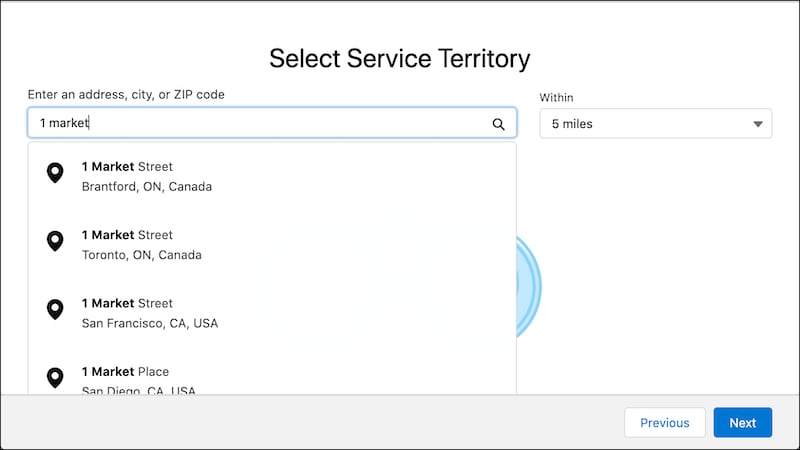
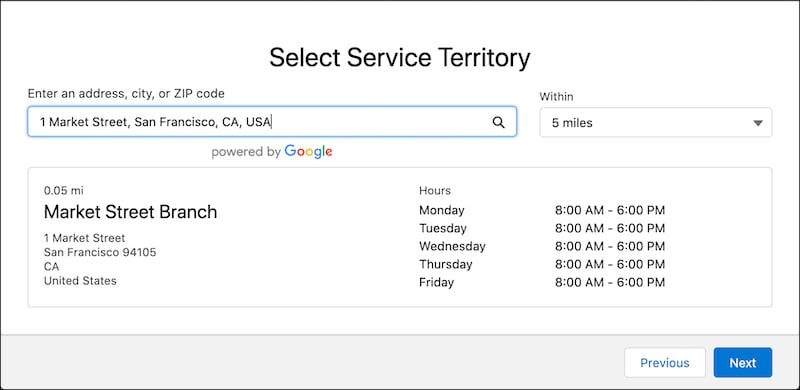
Parse the JSON response, and show the available service territories on the Select Service Territory page so that the user can select a service territory.
Here’s a Select Service Territory page showing the available service territories.

Here’s how the service territory details are displayed when the user selects a service territory.

On the next page in your app, you can show the available service resources so that the user can select a primary resource for the appointment.