


 j
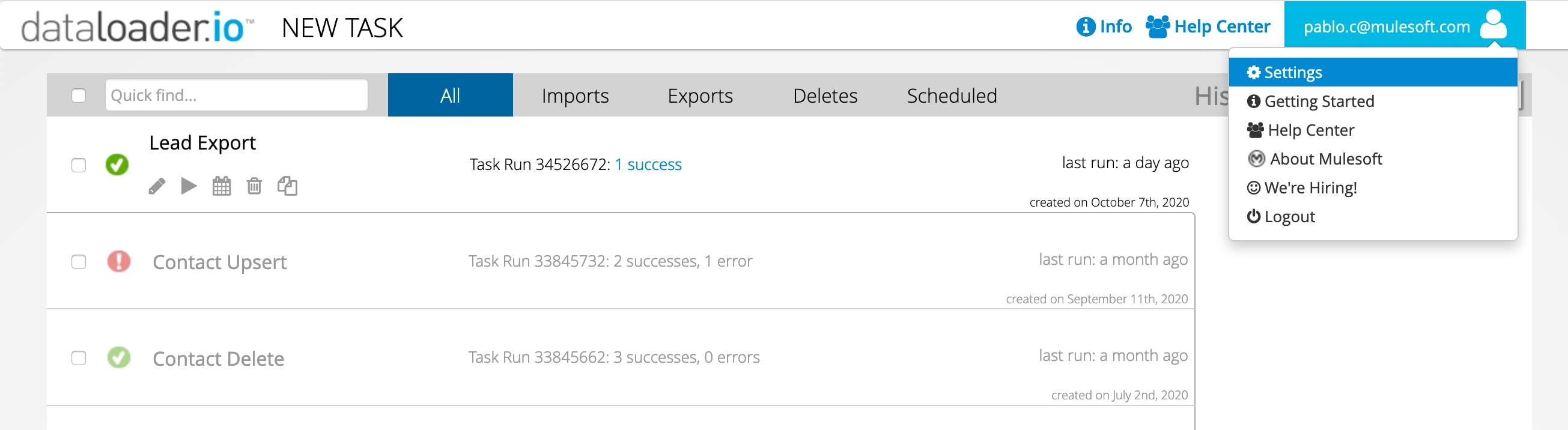
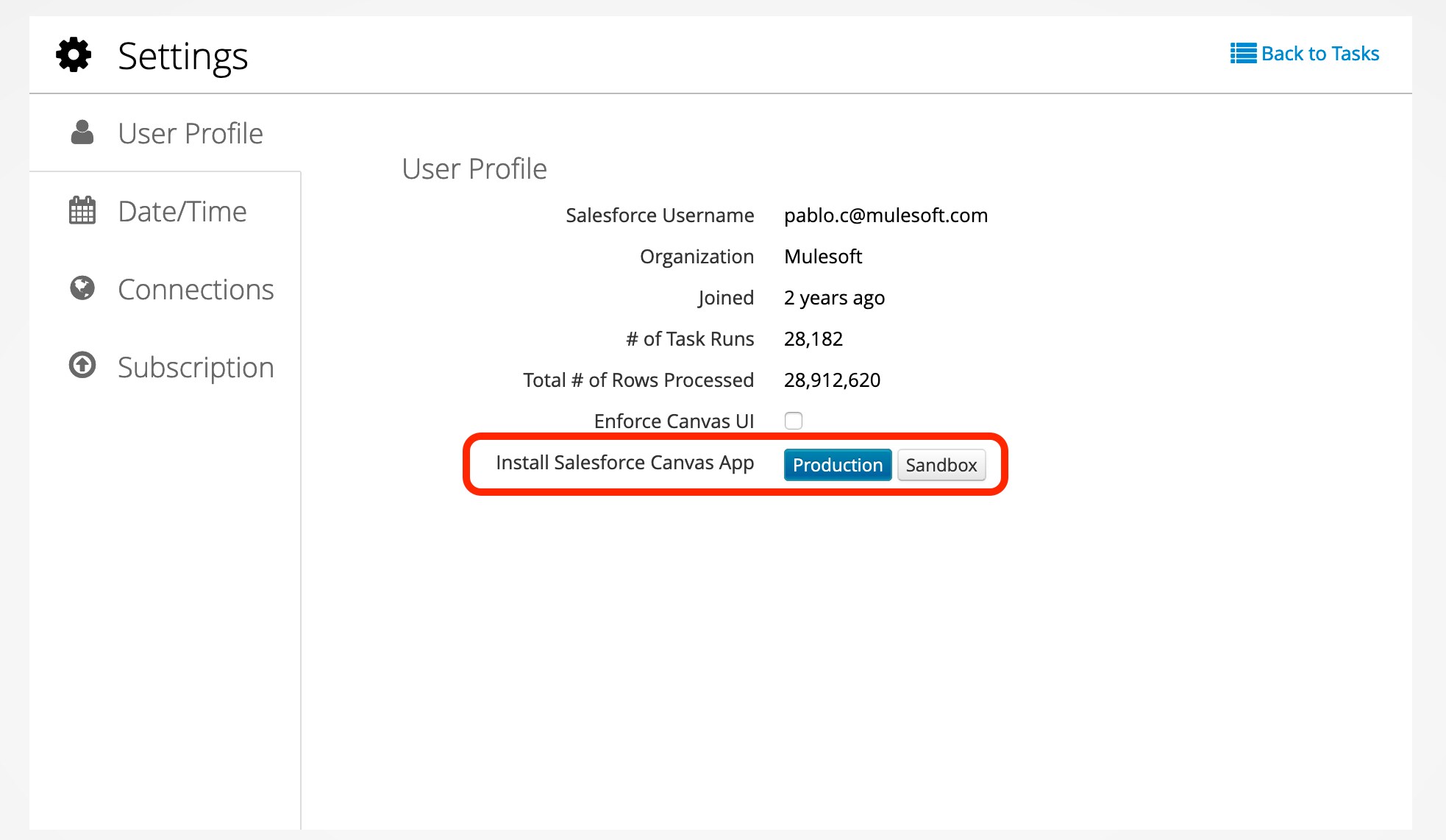
jInstall Canvas App for Dataloader from MuleSoft
Import Notes into Salesforce
User Menu and Settings
Configure Email Notifications
Managing Cloud Storage Connections
Managing Salesforce Connections
Manage User Access to Dataloader from MuleSoft
Schedule Tasks
Use Import Lookups
Connecting to Box
Connecting to Dropbox
Connecting to FTP
Connecting to SFTP
Working with Attachments
Use Supported Date Formats
Dataloader from MuleSoft FAQ