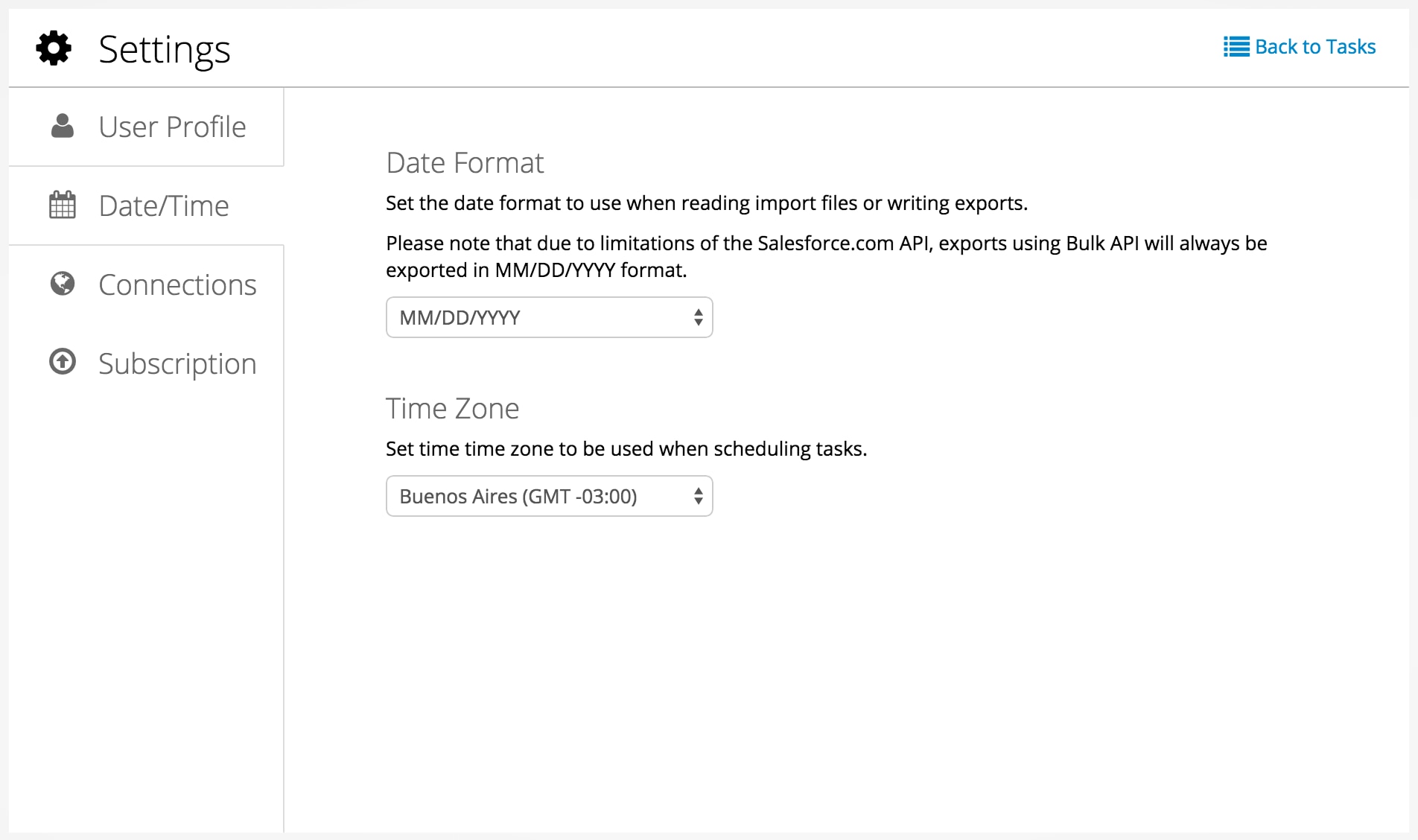
In Dataloader from MuleSoft, imports accept American (MM/DD/YYYY) and European (DD/MM/YYYY) date patterns, depending on your settings. Use a supported format in your CSV files to make sure date fields process correctly.
Date Formats
MM/DD/YYYY (example: 04/23/2012)
DD/MM/YYYY (example: 23/04/2012)
YYYY-MM-DD (example: 2012-03-25)
Date-Time Formats
Military time zones: MM/DD/YYYYThh:mm:ss.mmmZ (example: 02/20/1987T12:04:12.000Z)
Three-letter time zones with offset: MM/DD/YYYYThh:mm:ss.mmmXXX+hh:mm (example: 02/20/1987T12:04:12.000GMT+03:00)
Three-letter time zones: MM/DD/YYYYThh:mm:ss.mmmXXX (example: 02/20/1987T12:04:12.000GMT)
Three-letter time zones: YYYY-MM-DDThh:mm:ss.mmmXXX (example: 2012-03-25T12:04:12.000GMT)


 j
j