


Health Cloud Administration
 j
jProvide Easy Access to Protocols and Articles in Health Cloud
An article can contain the protocols you use to manage conditions or can hold educational materials you send to patients and members. When you set up Salesforce Knowledge, you give your care coordinators access to your organization’s library of articles and protocols. After you set up Salesforce Knowledge in your organization, users with Knowledge licenses can write, edit, publish, and archive articles using the Articles Management tab. They can also find and view published articles using the Articles tab.
By setting up the Knowledge One widget, you give care coordinators the ability to search, send, and create articles, all without leaving the Health Cloud console. Make sure that you’ve added Knowledge One to all the profiles that have access to the console.
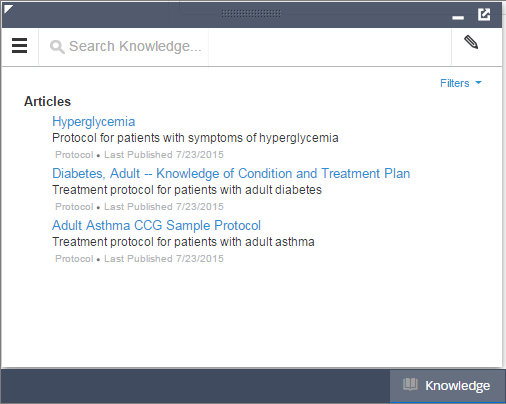
While using the Knowledge One widget, users can access articles from the console footer, and care coordinators can:
- Search for and find relevant articles or protocols.
- Attach a published article to a care plan in one click.
- Email an article as a PDF, if shared on a public channel.
- Create and manage articles, when the care coordinator has permission and the correct license.