Health Cloud Administration
 j
jCare Programs for Health Cloud Empower
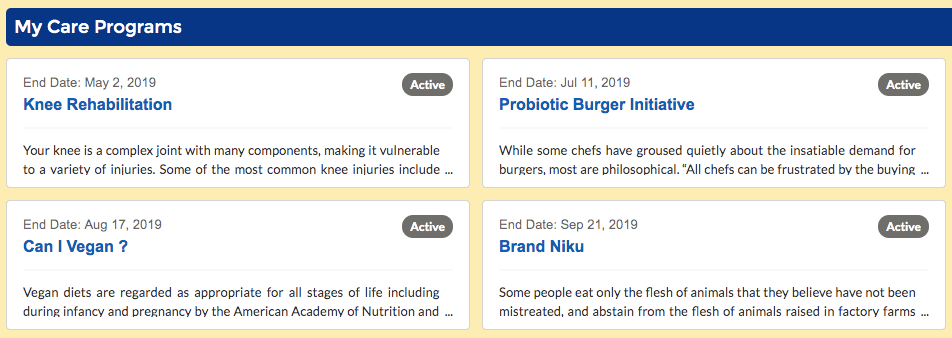
The Care Programs component displays the programs a user is enrolled in. If your
organization has adopted the Program Management data model, you can use this to provide
personalized information to users by various channels, such as an Experience Cloud site or a
mobile health app.
|
Available in: Lightning Experience Available in: Enterprise and Unlimited Editions with Health Cloud |
- In your Experience Cloud site’s workspace, select Builder.
-
On the top-left corner of the page, click
 .
.
- Under Health Cloud components, select and drag the Care Programs for Health Cloud Empower component onto an editable area of the page.
-
In the property editor, configure the component’s properties.
- Title Source
- Specify the label you want to use. You can create a custom label or use one that exists.
Example
Sample Care Programs component: