
Appearance
Exercise 2: Test the Salesforce MCP Servers
In this exercise, you'll connect your org to the MCP Playground and test the sobject-all and salesforce-api-context servers you activated in the previous exercise.
Step 1: Connect Your Org to the Playground
Open the MCP Playground.
From the Setup tab, fill out the following fields under Connected App:
Field Value Consumer Key (client_id) The Consumer Key from Exercise 1. Consumer Secret (client_secret) The Consumer Secret from Exercise 1. Click Connect Org and authorize the app.
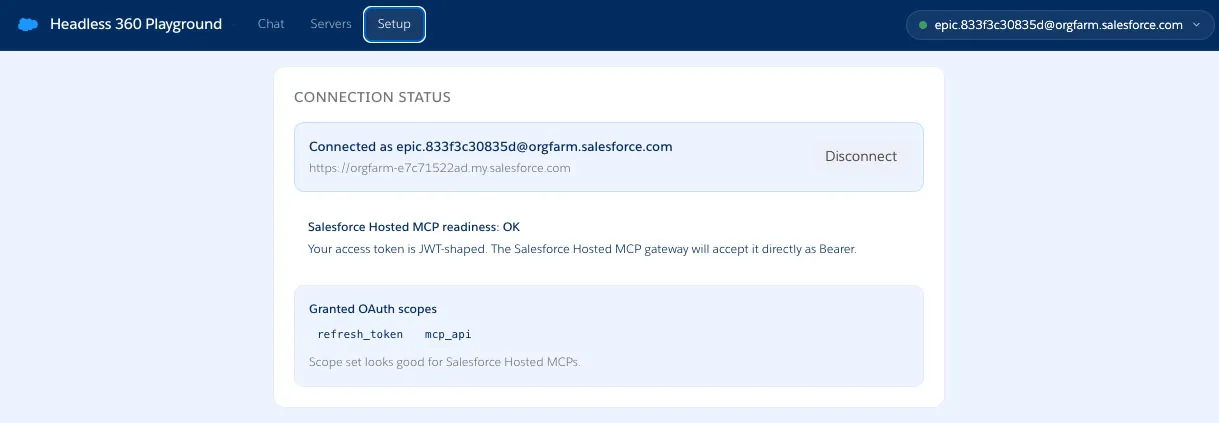
The Connection Status section should display something similar to this:
TIP
If the authentication fails with an "invalid_client_id" error message you might need to wait a bit for the ECA to be fully online. It can take up to ten minutes for the ECA to be ready.
Step 2: Add the Salesforce MCP Servers
Navigate to the Servers tab.
Click the sobject-all pill under Quick-fill URL: Salesforce Hosted MCPs
Click Add
Repeat the two previous operations with the salesforce-api-context pill
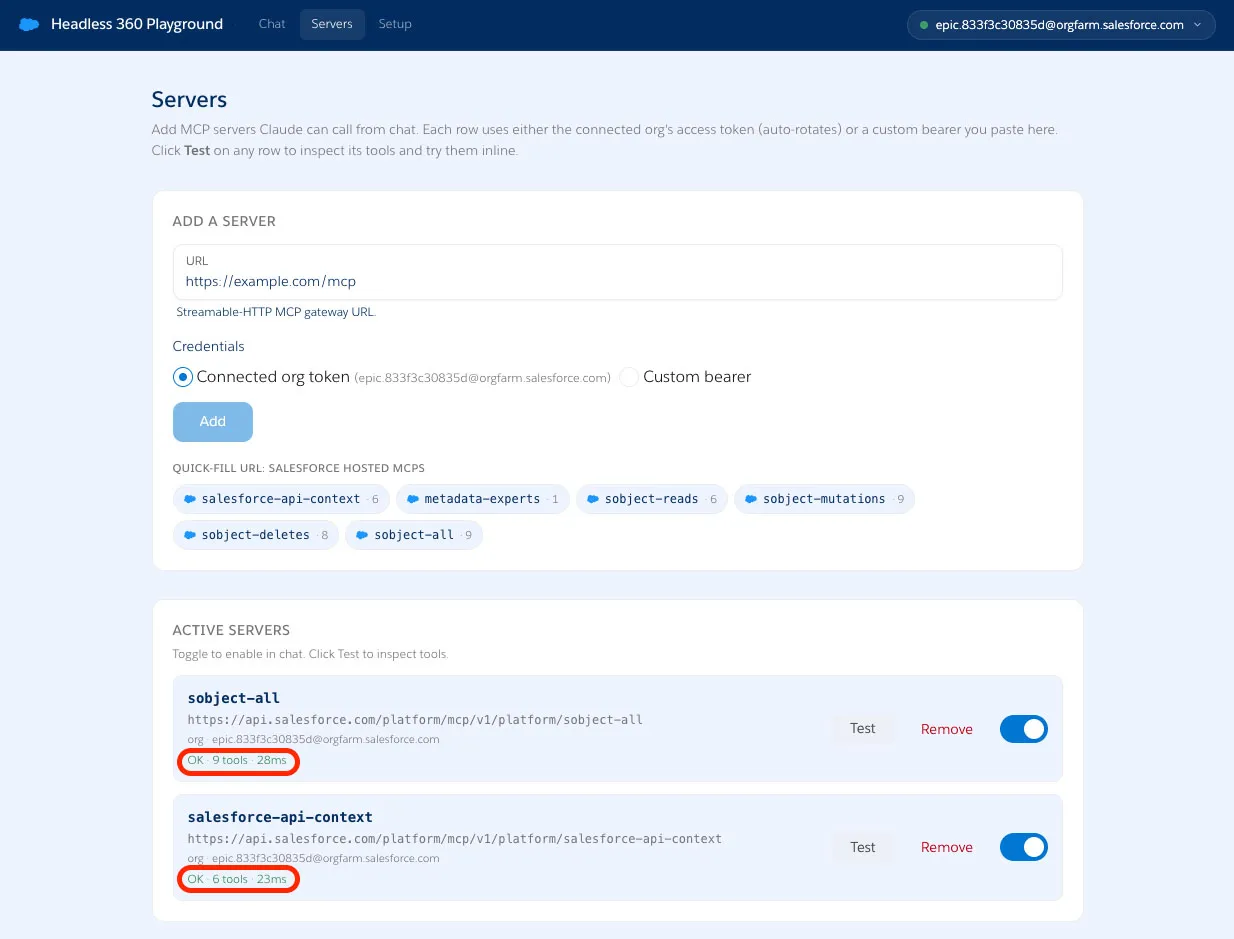
Once each server shows as active, click Test to inspect their available tools and verify the connection.
Step 3: Work with Live Data with sobject-all
Navigate to the Chat tab.
Click Tools and select the sobject-all MCP server.
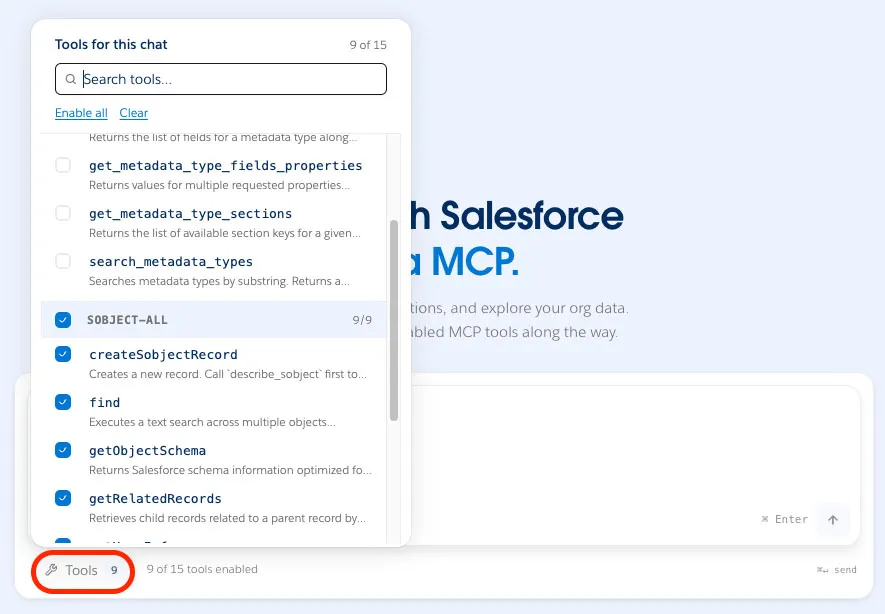
The sobject-all server exposes Create Read Update Delete (CRUD) operations for Salesforce records.
Try the following prompts:
txtHow many accounts, cases, and storefronts are in my org?txtShow me a table of open cases grouped by priority.txtList the open cases for the account named Harvest Table Kitchens with their case numbers.You should see the agent call the MCP tool and work with live data from your org.
Step 4: Explore Your Data Model with salesforce-api-context
In the Chat tab, add the salesforce-api-context MCP server to your context.
The salesforce-api-context server exposes your org's metadata, so the agent can answer questions about your data model — not just your data.
Try the following prompt:
txtWhat is the shape of the Case object? Show me its fields.
Summary
In this exercise, you connected your org to the MCP Playground and tested the sobject-all and salesforce-api-context MCP servers. You queried live org data and explored your data model shape through a natural language interface. In the next exercise, you'll create your own custom MCP server that exposes the Pronto case-management Flows.