Health Cloud Administration
 j
jAssign Visit Types to Service Territories
Map each visit type (work type) to a service territory.
|
Available in: Lightning Experience Available in: Enterprise and Unlimited Editions with Health Cloud |
| User Permissions Needed | |
|---|---|
| To use Salesforce Scheduler |
Schedulable resource add-on AND Salesforce Platform Starter license |
-
On a work type record page, go to the Service Territory Work Types related list.
If this related list isn't present, you can add it:
-
Click
 and select
Edit Object.
and select
Edit Object.
- Click Page Layouts, then Work Type Layout.
- On the palette, click Related Lists.
- Drag Service Territory Work Types to the Related Lists section of the canvas.
- Click Save. When you see the prompt to overwrite, click Yes.
- Return to the work type record page and refresh the browser.
-
Click
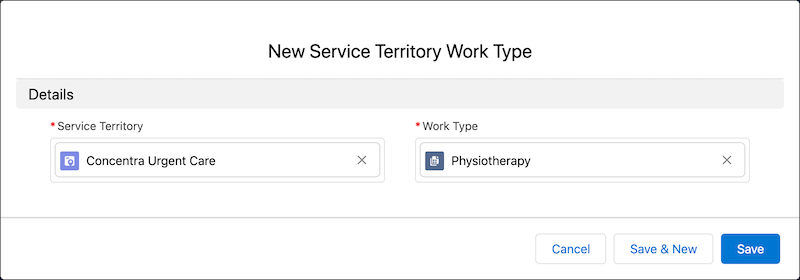
- In the Service Territory Work Types related list, click New.
- Select a service territory.
- Save your changes.